tags
pswritehtml
21 entries
20 entries
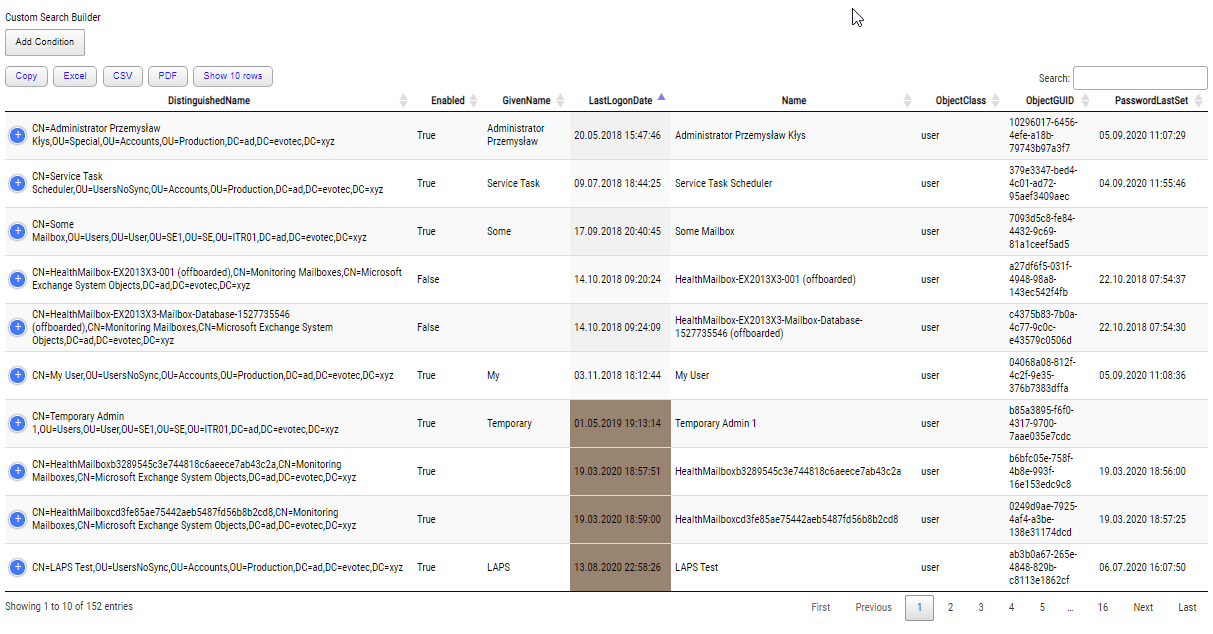
Advanced HTML reporting using PowerShell
I’ve been using HTML reporting in PowerShell for a while. Initially, I would usually build HTML by hand, but the time spent trying to figur…
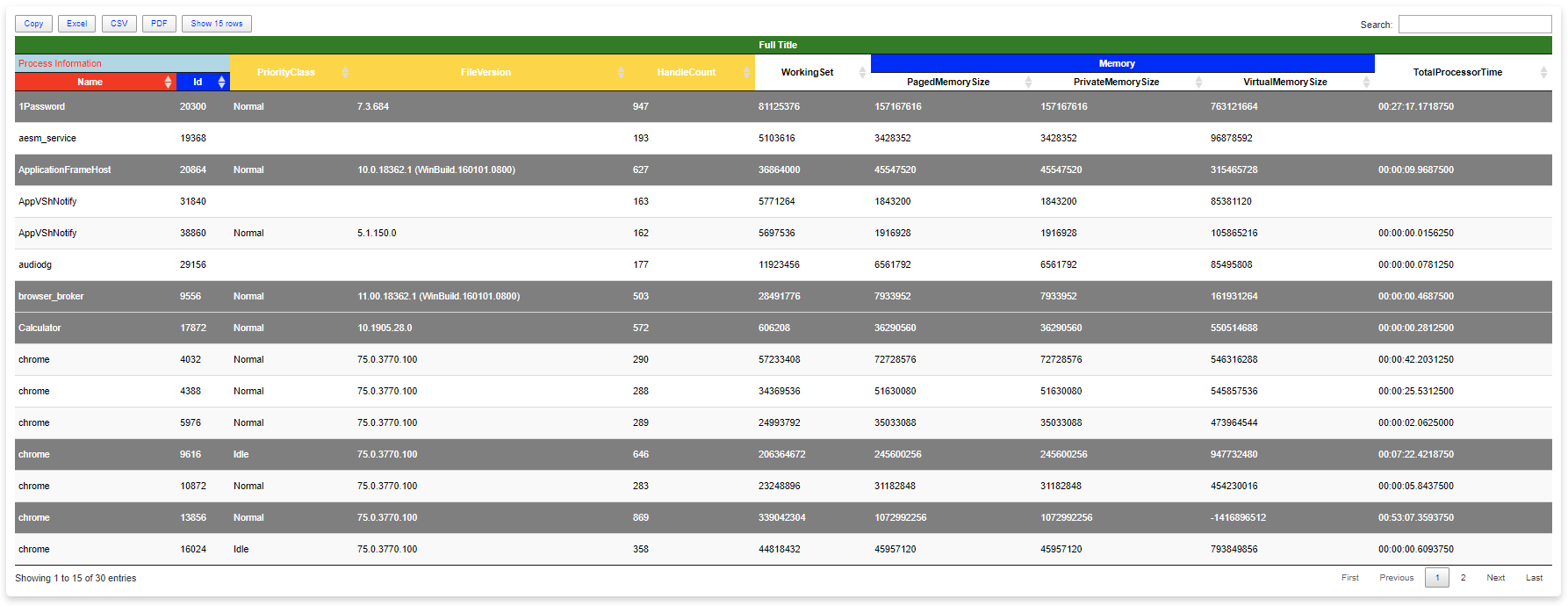
All your HTML Tables are belong to us
Last few days, I’ve fulfilled my little dream related to building HTML tables. You know I’ve been using HTML based scripts for a long while…
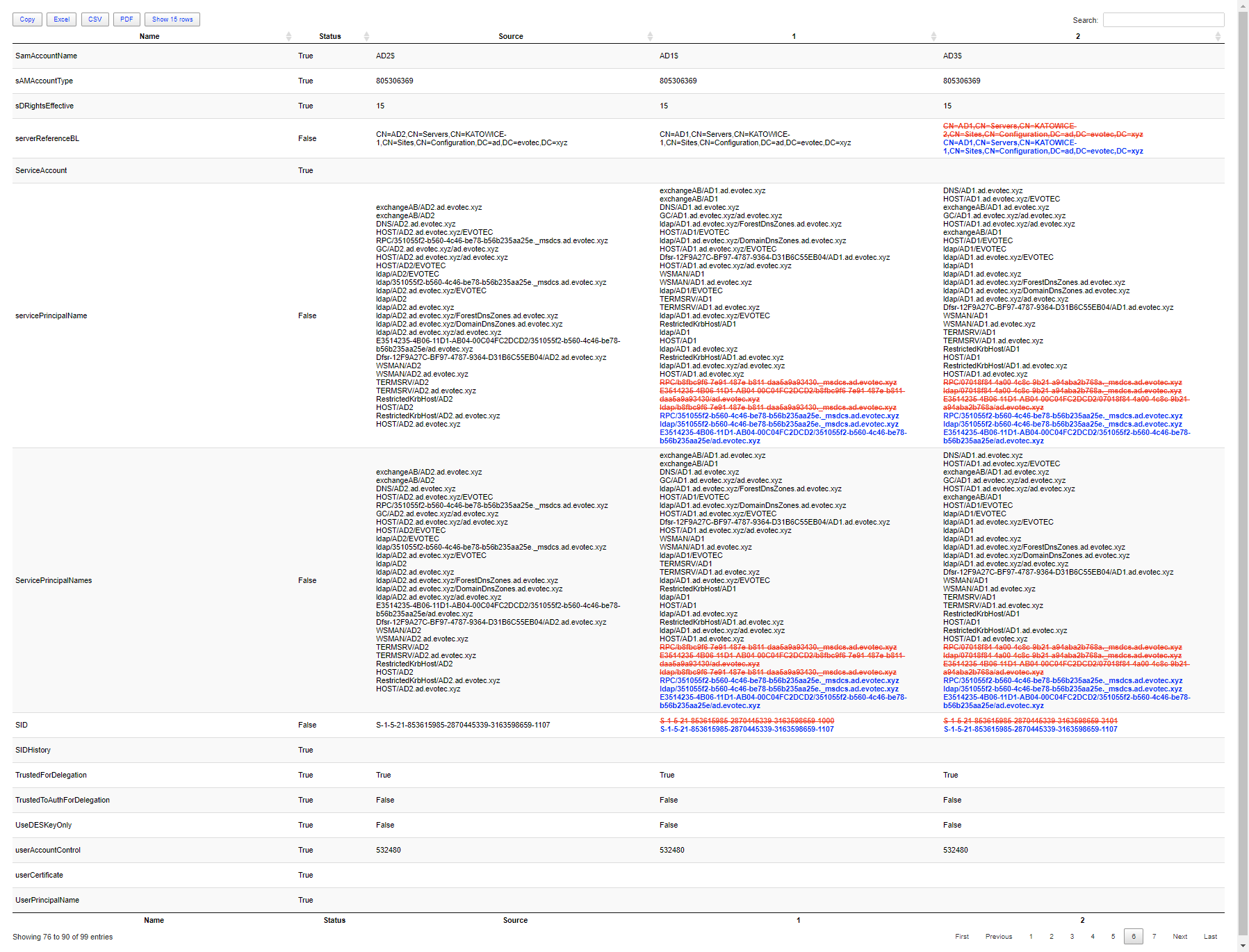
Comparing two or more objects visually in PowerShell (cross-platform)
For the last few weeks I’m working on a small project, that should be released within next few weeks (it is open source so don’t worry – yo…
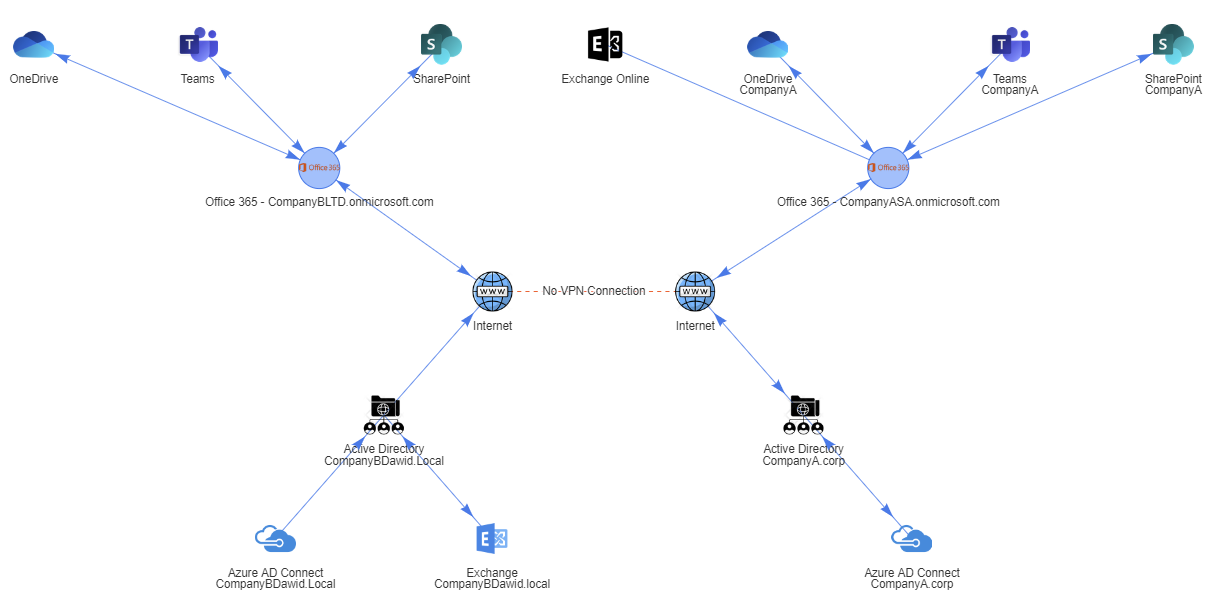
Creating Office 365 Migration Diagram with PowerShell
A few weeks ago, I posted a concept migration diagram for Office 365 to Twitter and Facebook. Today I thought I would show you how you can…
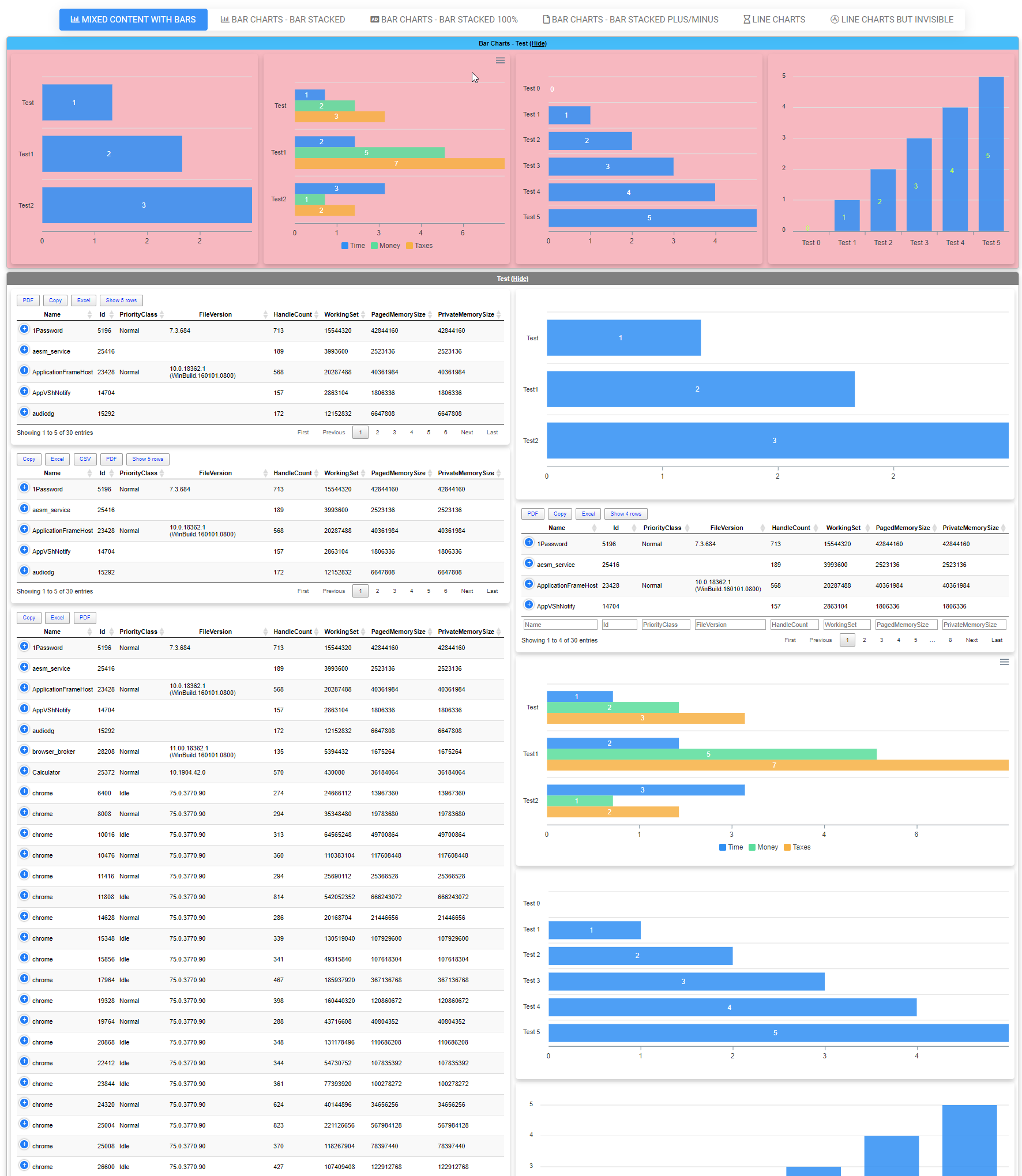
Dashimo (PSWriteHTML) – Charting, Icons and few other changes
A few months ago when I first released Dashimo, I’ve promised that Charts will come. Unfortunately, time passed by, and there were no Chart…
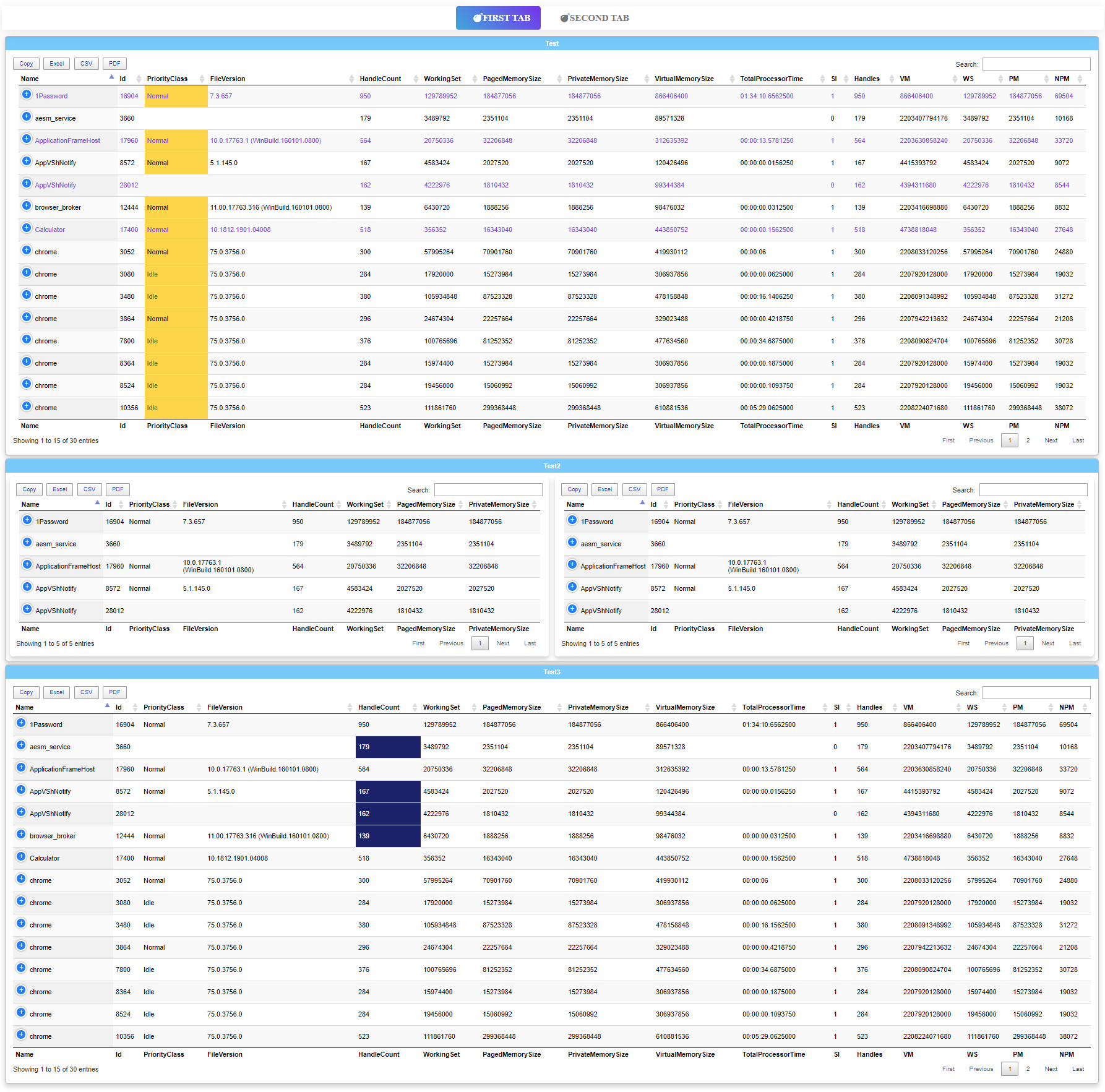
Dashimo – Easy Table Conditional Formatting and more
Dashimo ultimate goal is to be as easy to use as possible. With the introduction of it a few days ago I made a promise to myself that I wan…
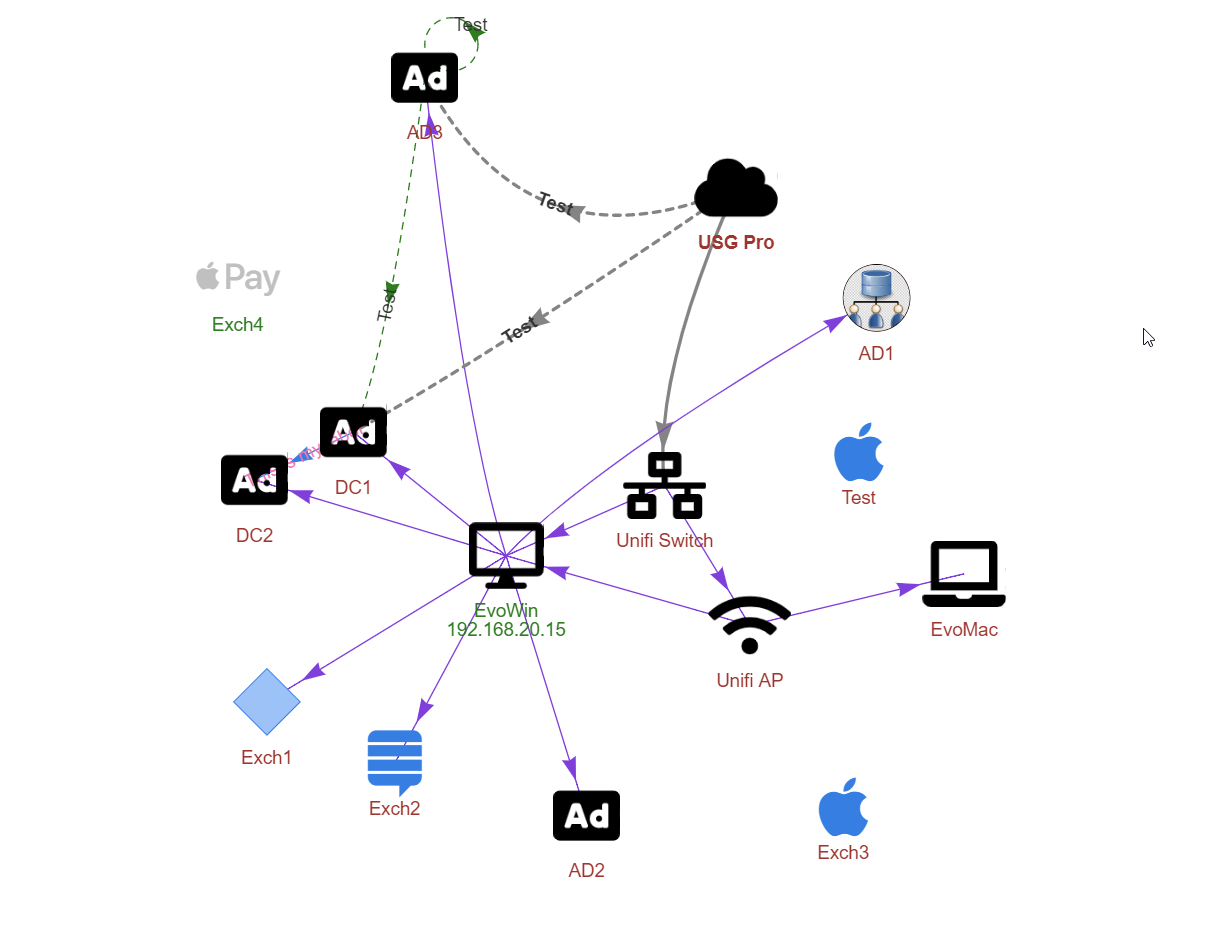
Easy way to create diagrams using PowerShell and PSWriteHTML
A few months ago, when I was working on PSWriteWord and PSWriteHTML, I thought to myself that in 2020 if I’ll get time, I’ll try to create…
Emailimo merged into PSWriteHTML, IE support and no dependencies
If you don’t know this yet, I use PSWriteHTML a lot. That means I get to test it under a lot of different conditions. I use it in reports,…
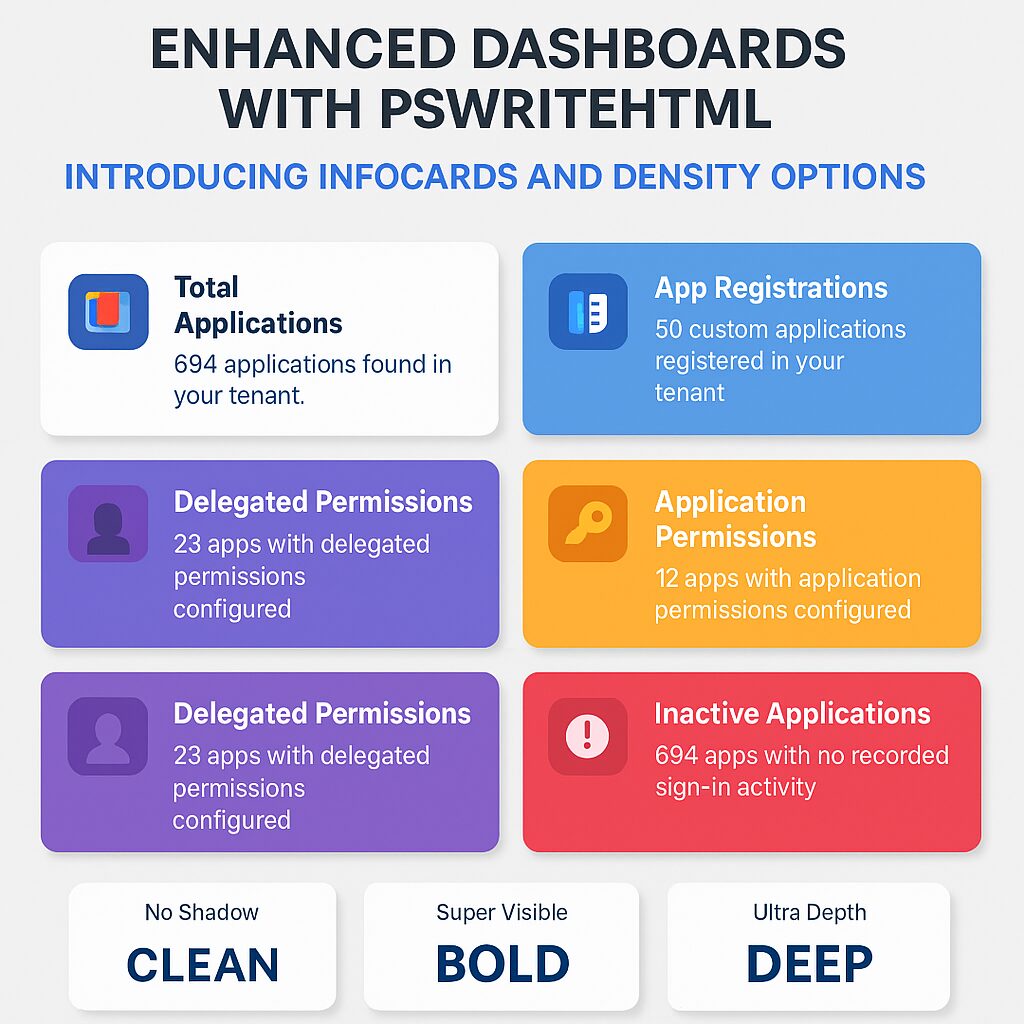
Enhanced Dashboards with PSWriteHTML – Introducing InfoCards and Density Options
Discover new features in the PSWriteHTML PowerShell module – including New-HTMLInfoCard, improved layout controls with the -Density paramet…
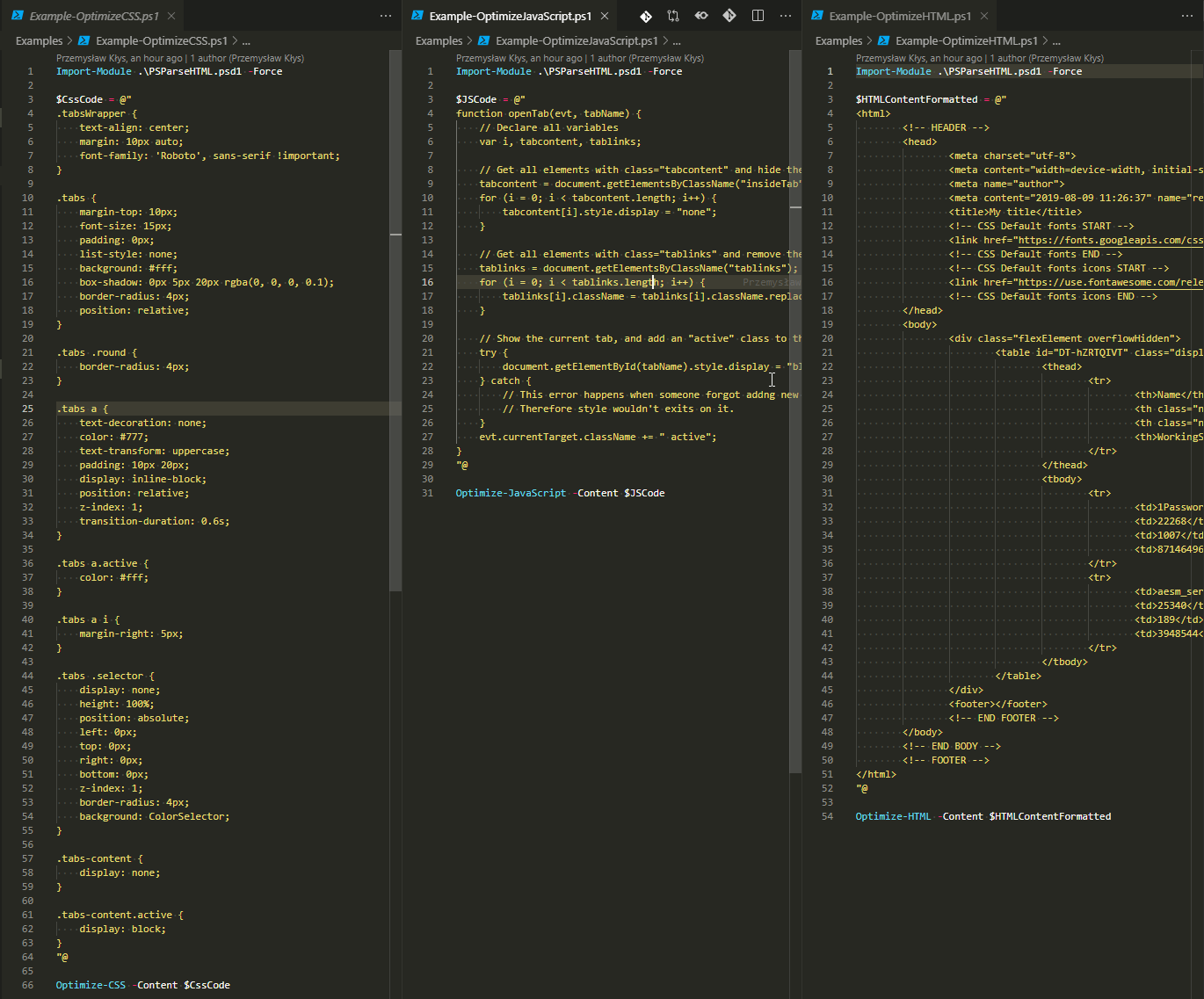
Formatting and minifying resources (HTML, CSS, JavaScript) with PowerShell
When you work with HTML, CSS, and JavaScript, you often meet three versions on how those are stored in files – minified, formatted, somewhe…
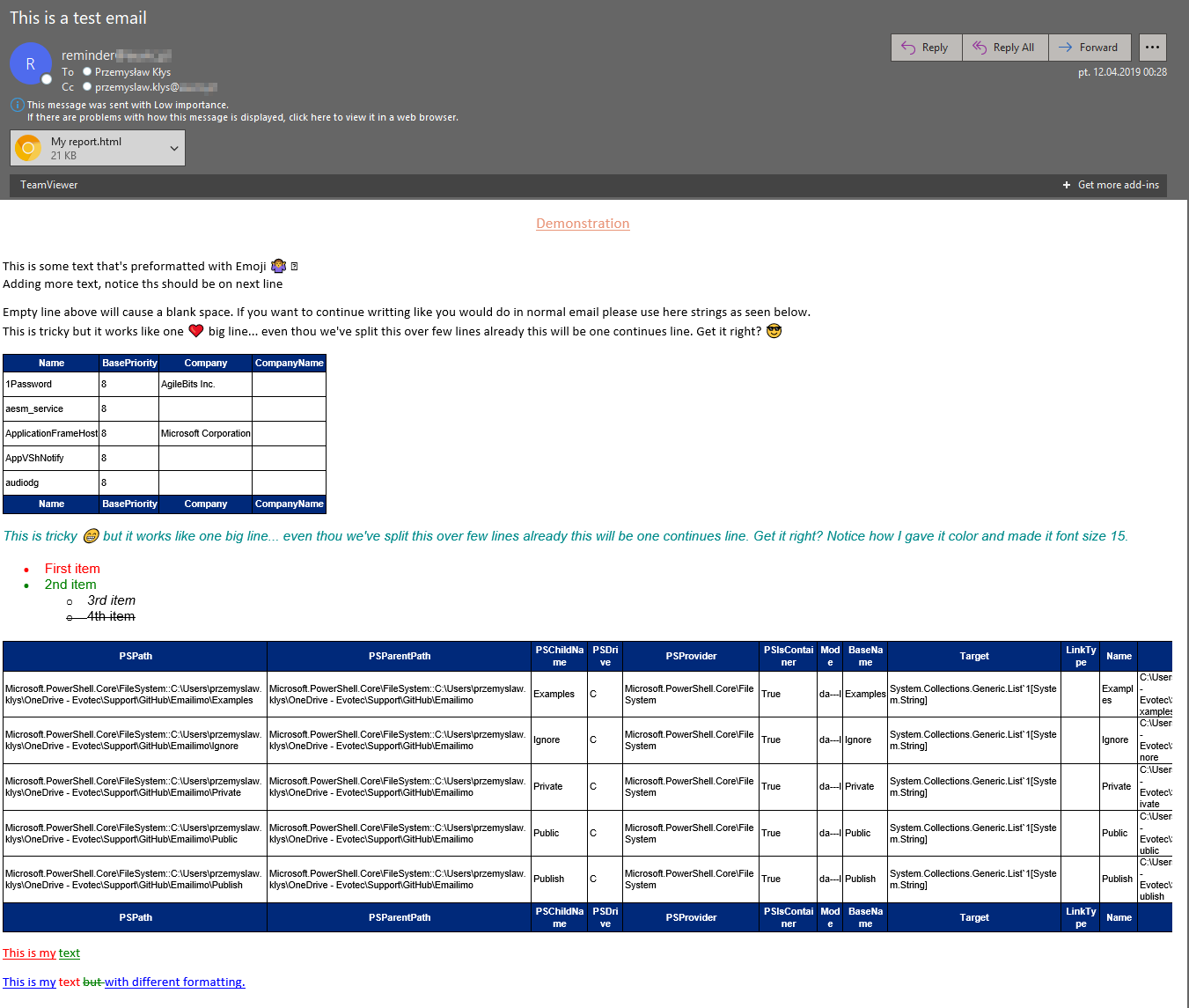
Meet Emailimo – New way to send pretty emails with PowerShell
When reading this blog post, you may be thinking that there’s nothing new one can add to emailing with PowerShell as there were tons of art…
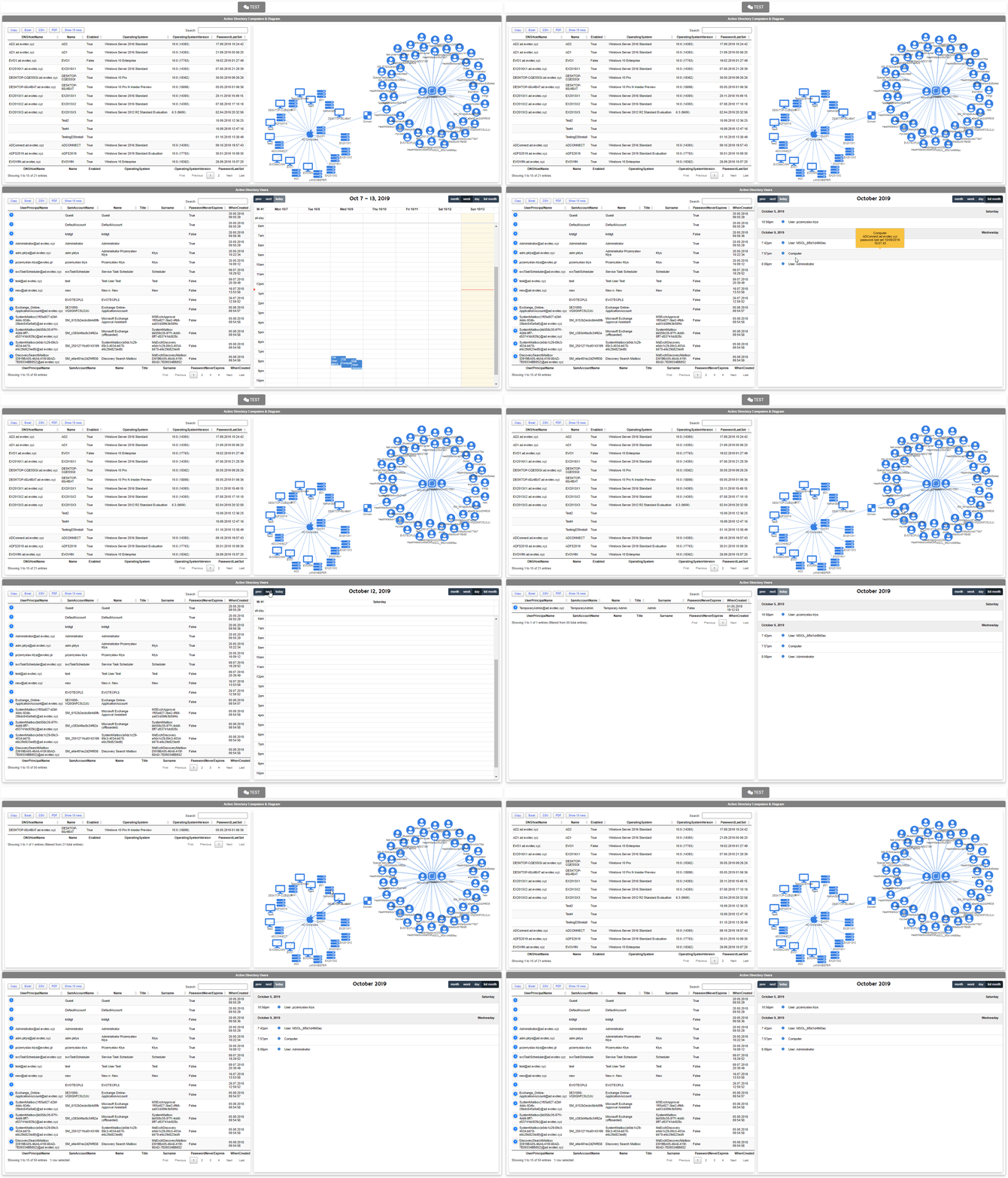
Nested Tabs, Diagram Updates, Diagram Events, Calendar Object and more in PSWriteHTML
One of the new features I’ve worked on was connecting Diagrams with Tables. Someone suggested, and I thought it would be cool to be able to…
Office 365 Health Service using PowerShell
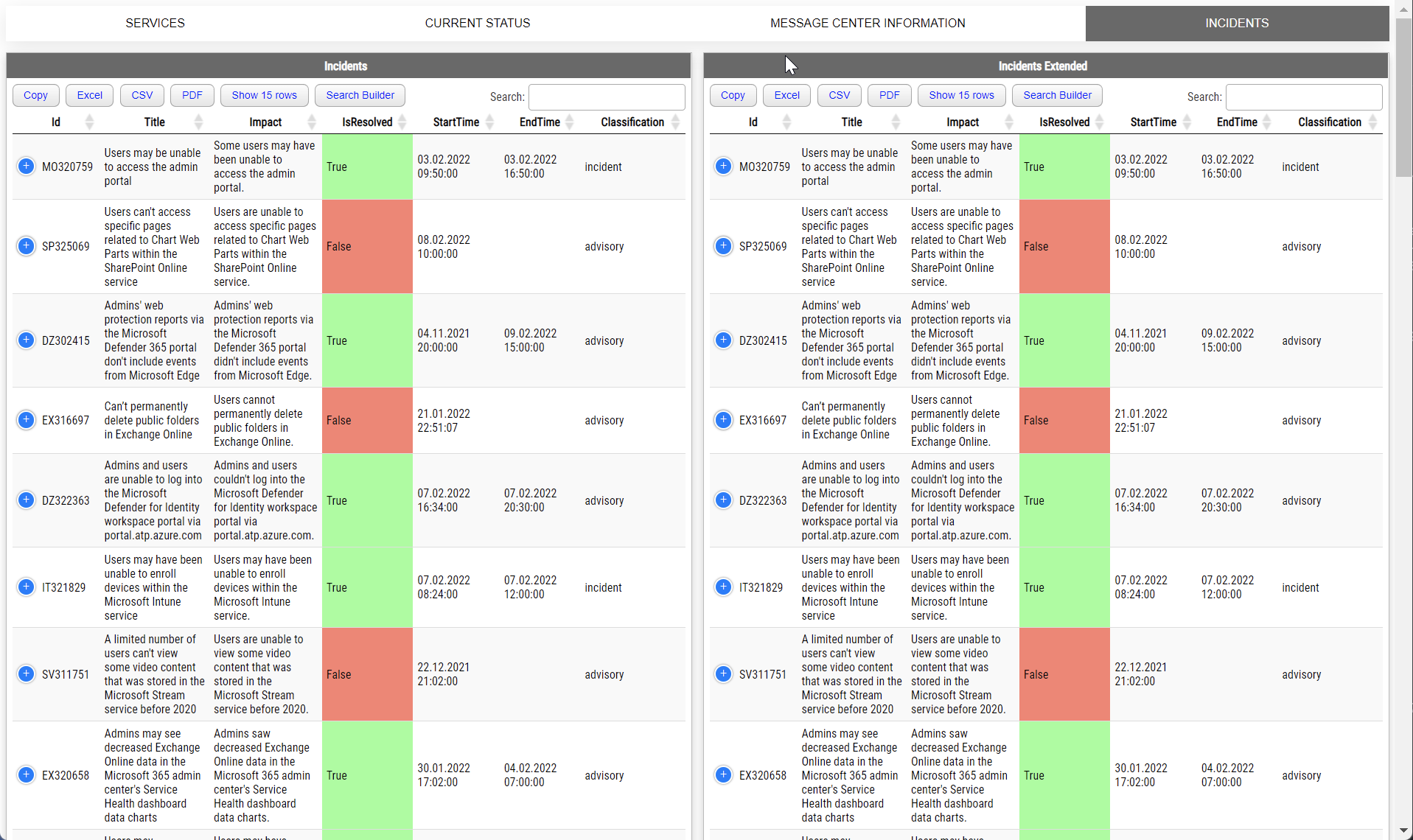
Two years ago, I wrote a PowerShell module called PSWinDocumentation.O365HealthService. The idea was simple – replicate Health Service data…
PowerShell – Comparing advanced objects
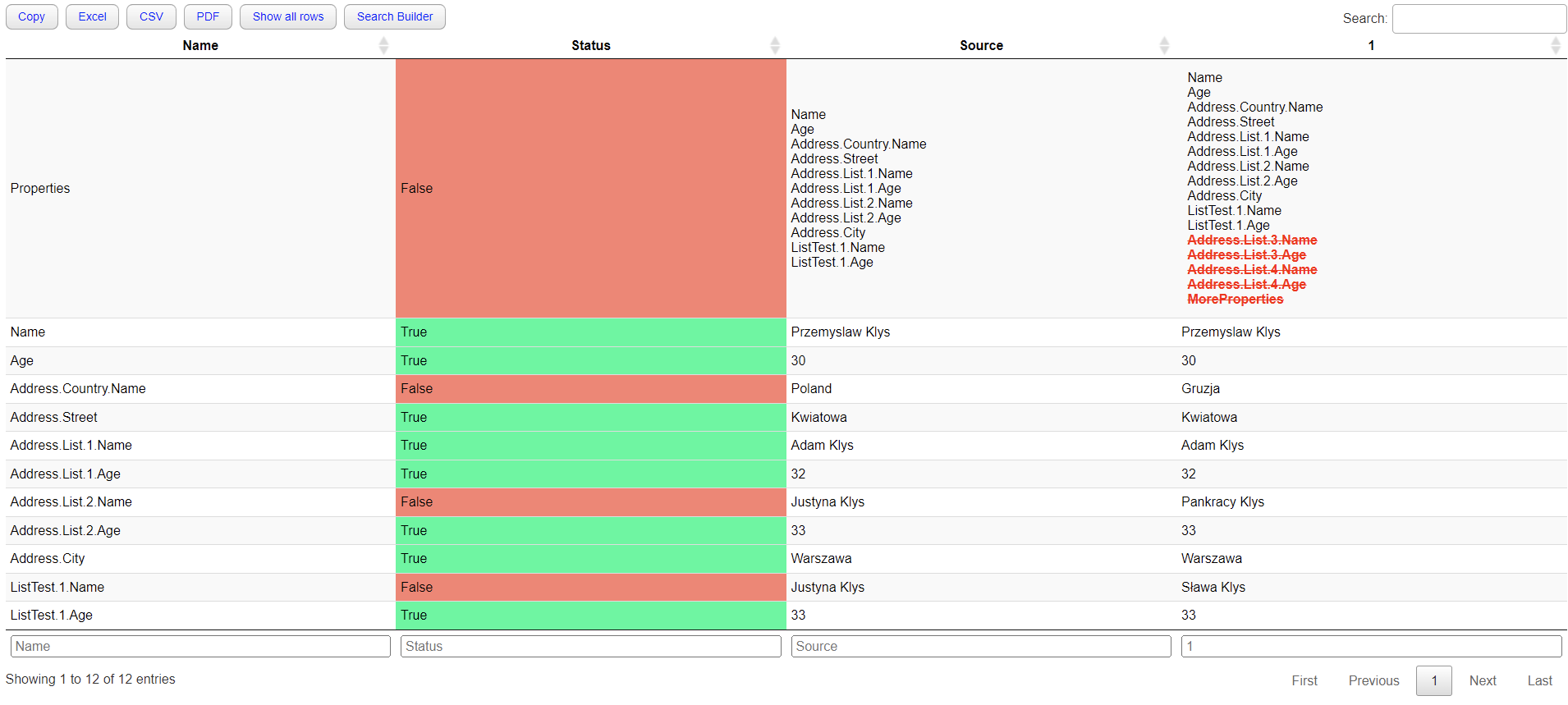
Two years ago, I wrote a blog post on how you can compare two or more objects visually in PowerShell that works on Windows, Linux, or macOS…
PowerShell – Converting advanced object to flat object
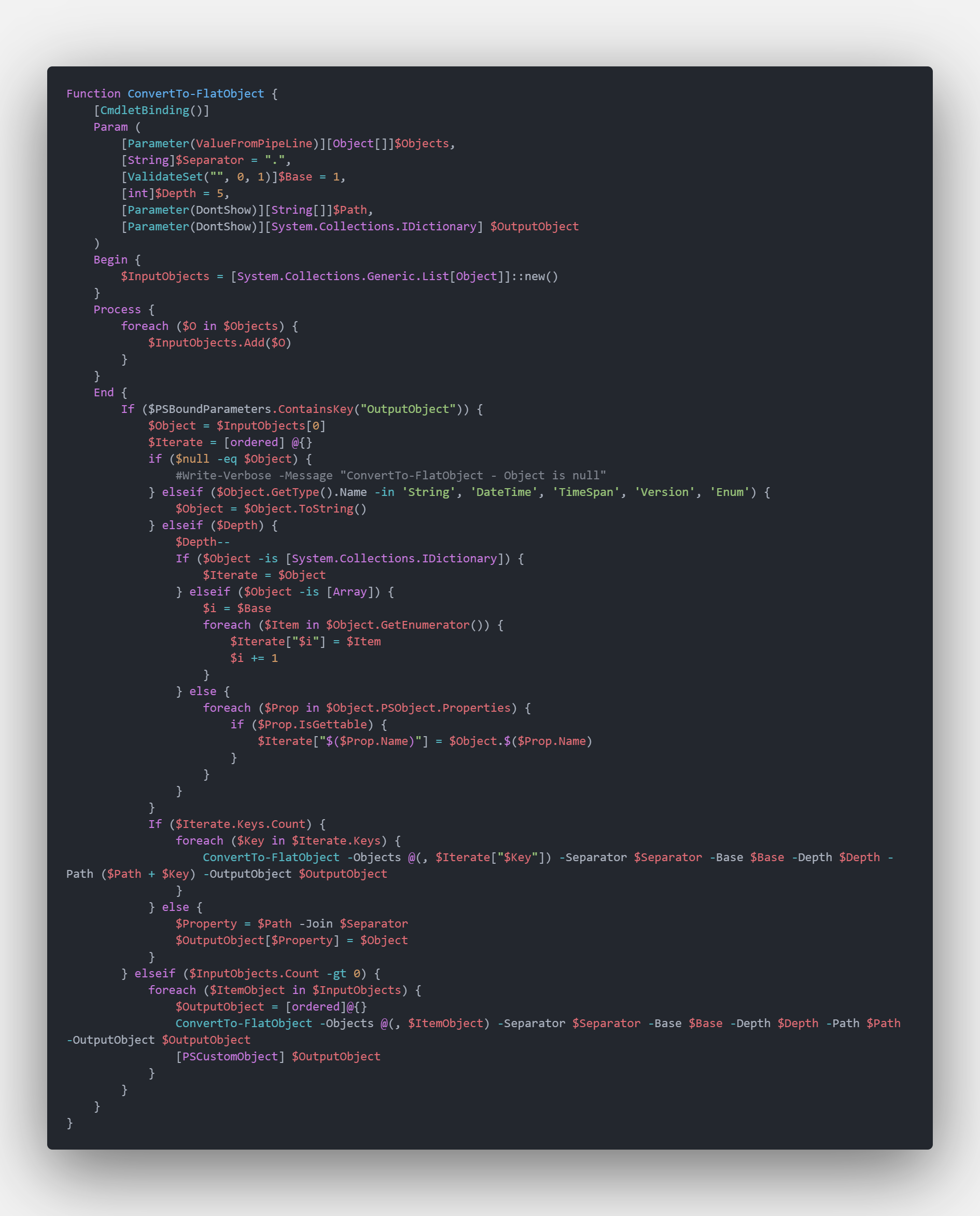
PowerShell language allows you to work and build complicated objects. There are multiple ways to save them, such as XML or JSON, but someti…

Seamless HTML Report Creation: Harness the Power of Markdown with PSWriteHTML PowerShell Module
In today’s digital age, the ability to create compelling and informative HTML reports and documents is a crucial skill for professionals in…
Sending HTML emails with PowerShell and zero HTML knowledge required
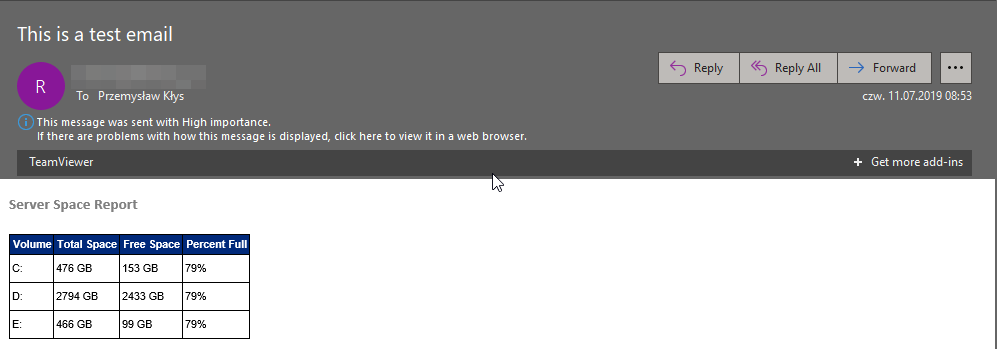
I saw this article by Altaro tweeted Building PowerShell Tools for MSPs: HTML Tables for Reporting, and it describes how you can create HTM…
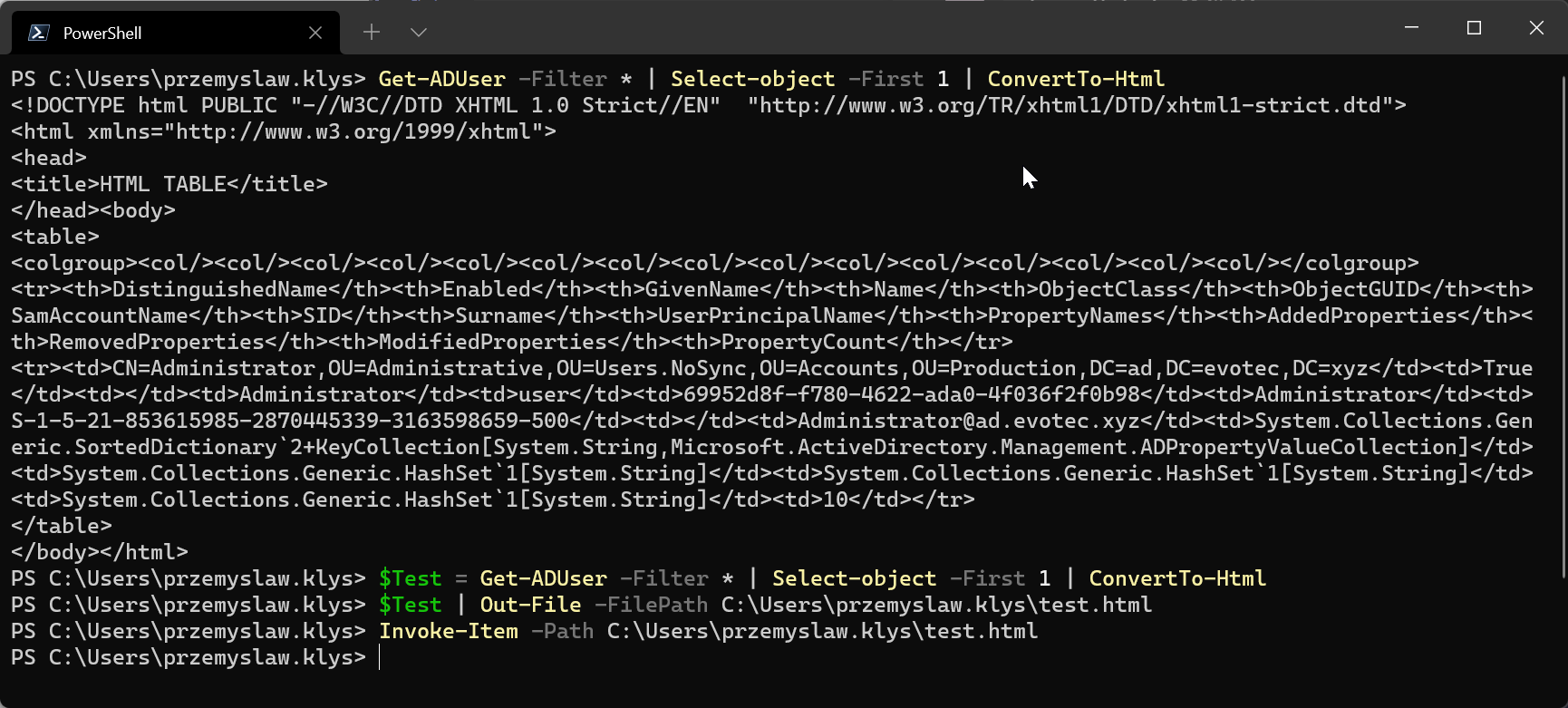
Solving typo problems with Fuzzy Search in PSWriteHTML
One of the everyday use cases with PSWriteHTML is to create a simple view of PowerShell data in a table. While PowerShell comes with a buil…
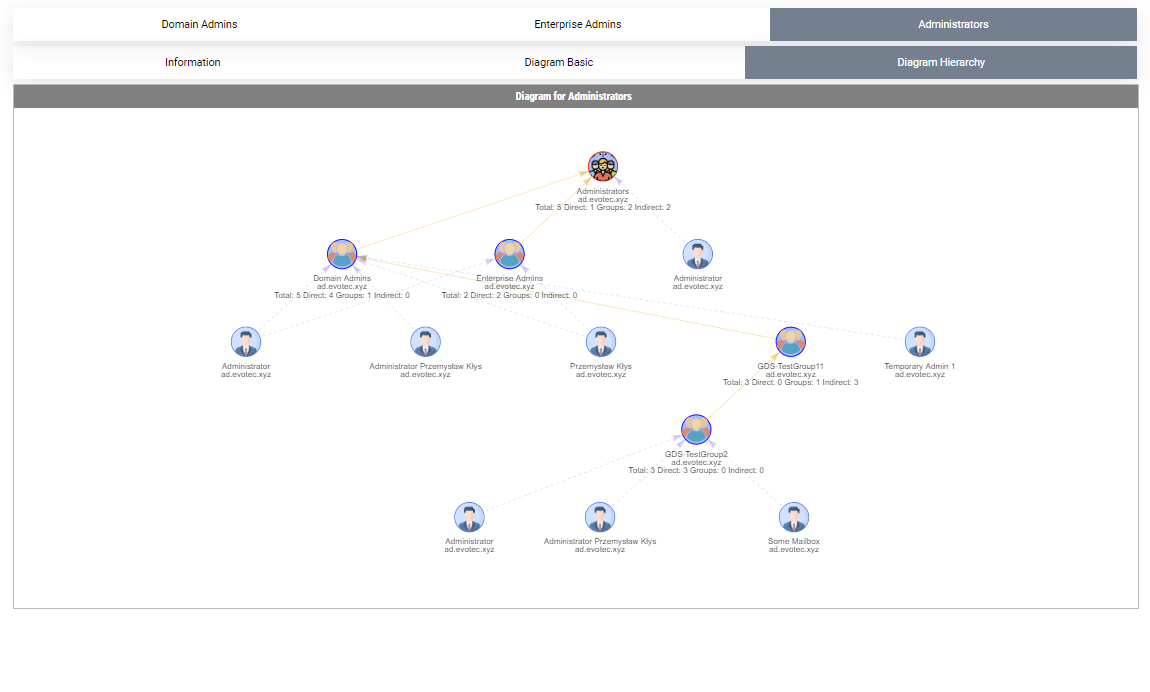
Visually display Active Directory Nested Group Membership using PowerShell
In the Active Directory PowerShell module, you have two commands to your disposal that help display group membership. Those are Get-ADGroup…
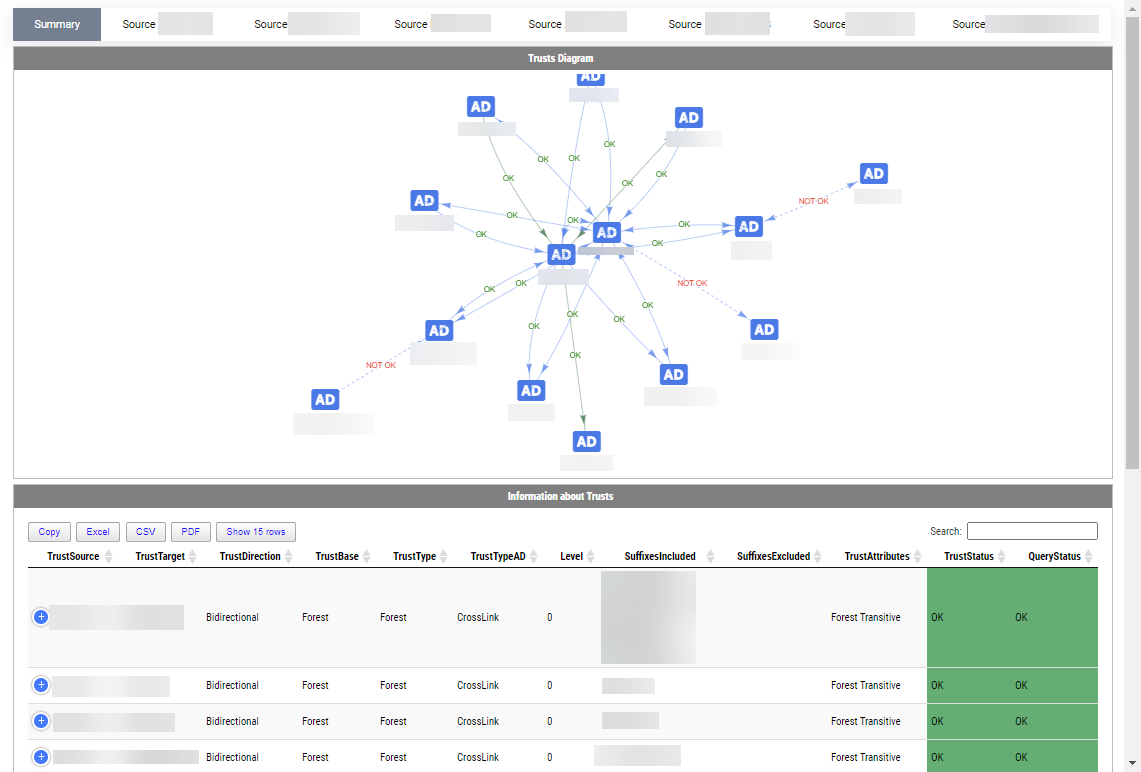
Visually display Active Directory Trusts using PowerShell
Active Directory Trusts are useful to connect one or more domains. But as useful those are, they can be very dangerous. Also, keeping trust…