tags
microsoft teams
6 entries
6 entries
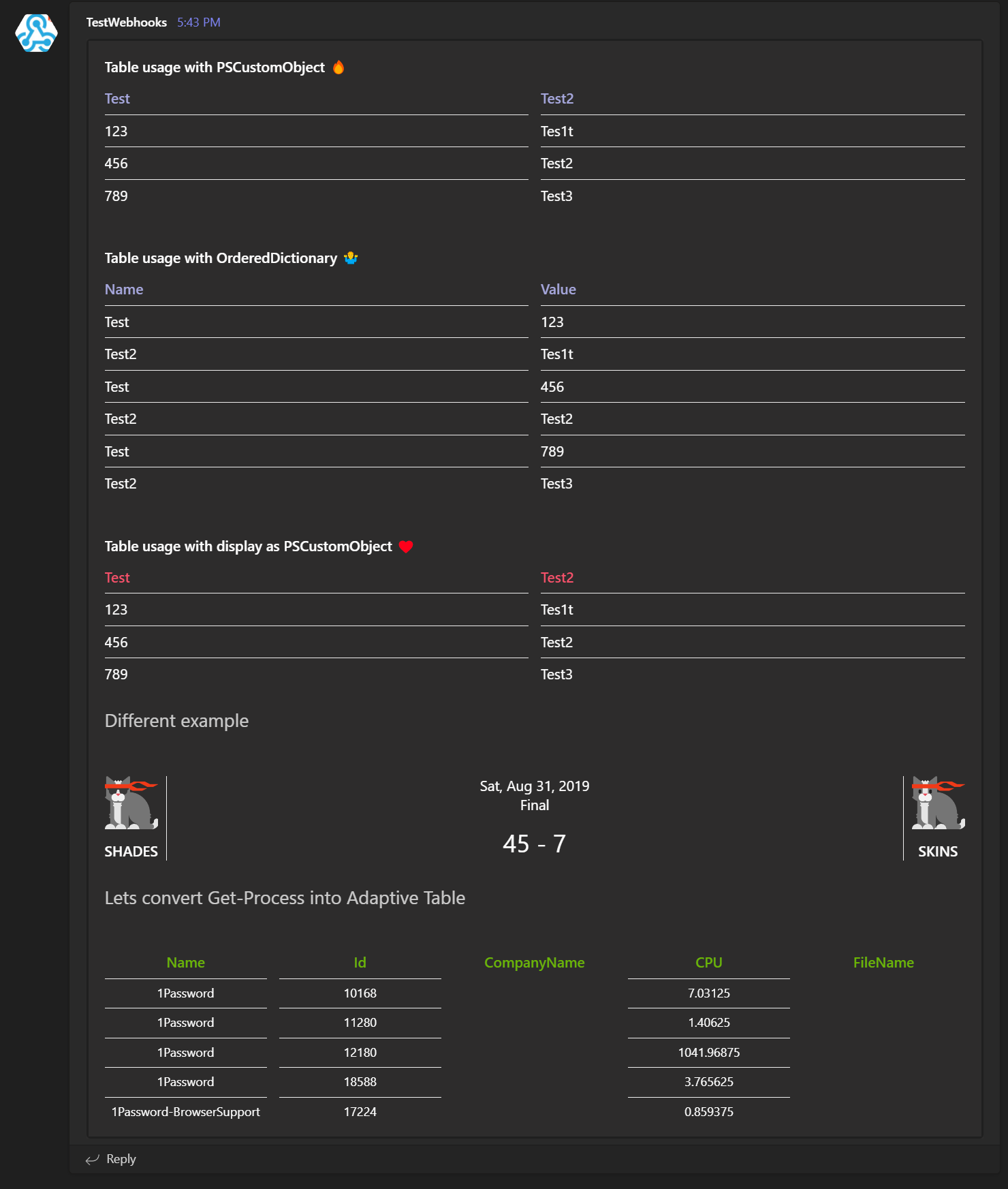
Adaptive Cards with Tables and Linebreaks in Microsoft Teams
PSTeams is a PowerShell module that helps simplify sending notifications to Microsoft Teams via Incoming webhooks. It’s easy to use and doe…
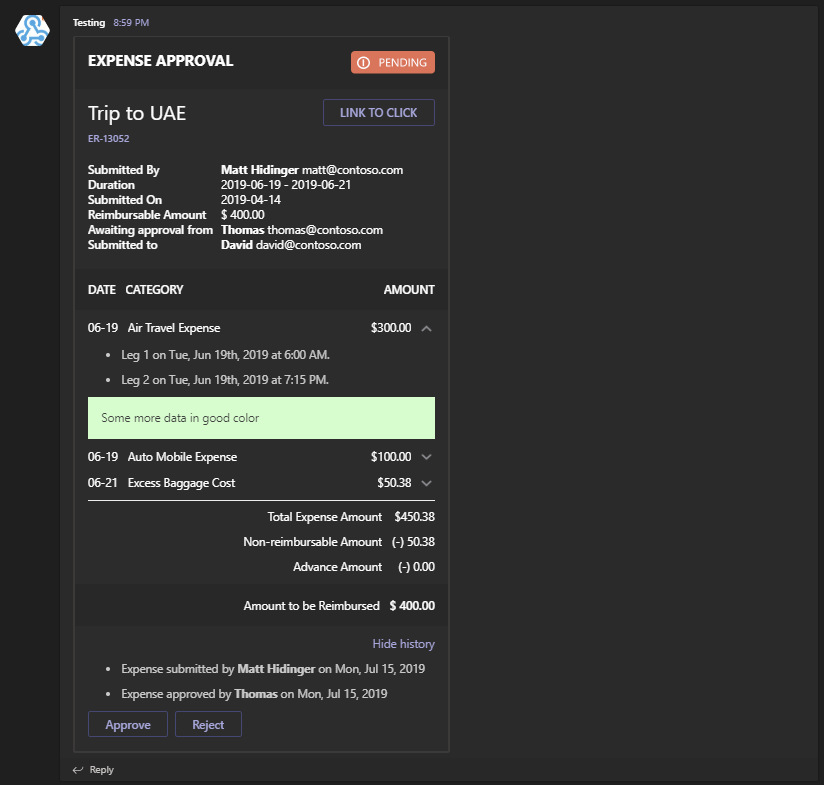
Introducing PSTeams 2.0 – Support for Adaptive Cards, Hero Cards, List Cards and Thumbnail Cards
PSTeams PowerShell module has been on the market for a while now. It supports sending notifications to Microsoft Teams channels via Incomin…
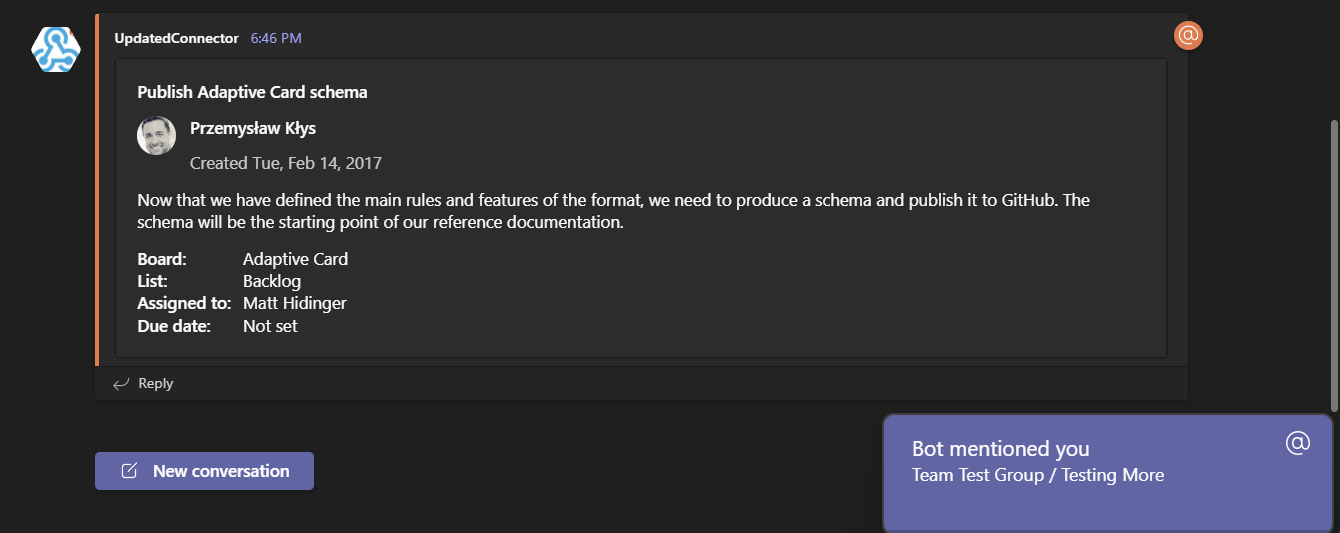
Mentioning users in notifications using PSTeams PowerShell Module
Microsoft Teams over the last few years have grown into an excellent and flexible tool for both small and big companies. Having the ability…
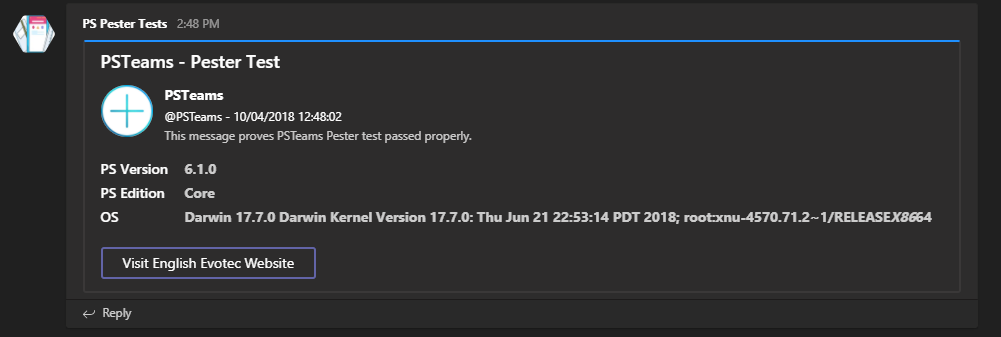
PSTeams – Send notifications to MS Teams from Mac / Linux or Windows
If you’re new to this module it’s very simple PowerShell module allowing to send notifications straight to Microsoft Teams channels….
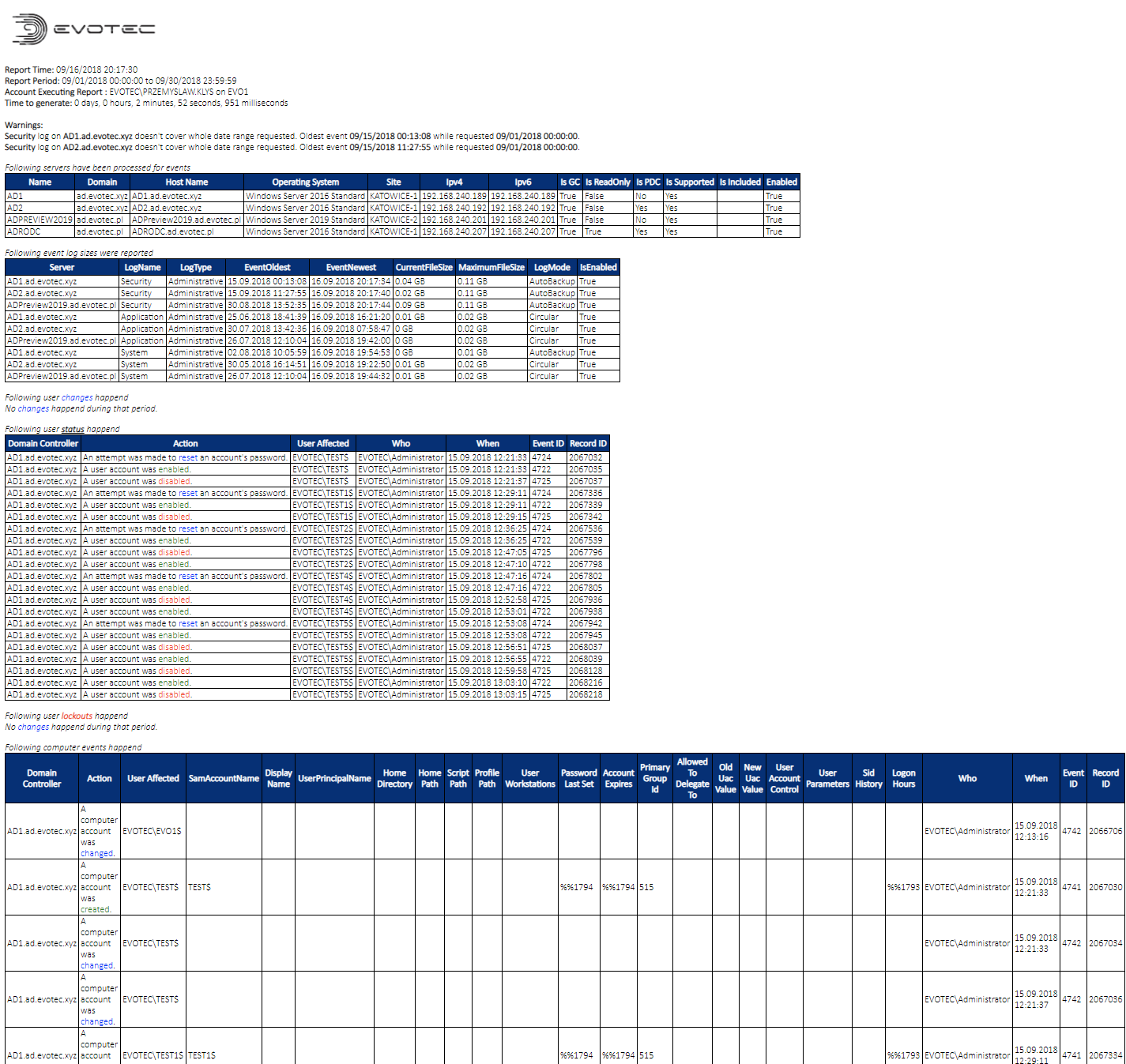
PSWinReporting – Forwarders, Microsoft Teams, Slack, Microsoft SQL and more
It’s been a while since PSWinReporting has been updated, or rather since I’ve written a blog post about it since it’s always…

Sending Messages to Microsoft Teams from PowerShell just got easier and better
Christmas time is upon us, and I’ve decided that my PSTeams module needs some love. I wrote it in late 2018 and updated it a few times at t…