tags
exchange 2016
21 entries
20 entries
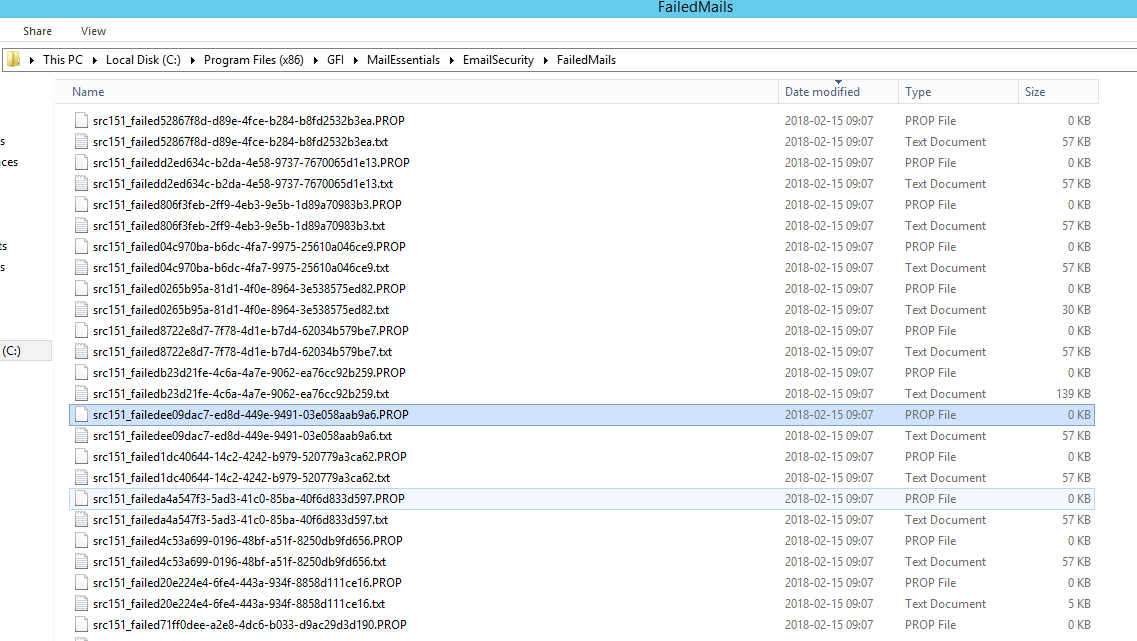
A number of emails failed to be processed by GFI MailEssentials
Recently in not really long time one of our Clients reported that GFI Mail Essentials started reporting that a number of…
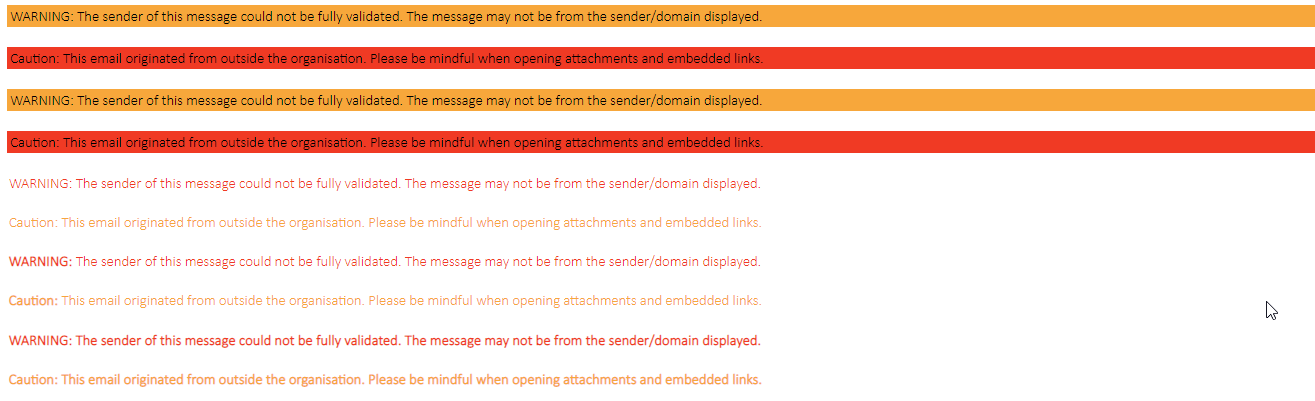
Creating Visual Indicators for spoofed / external emails with PowerShell
I’ve been managing mail service for users for a lot of years now. I don’t do it daily but I’ve spent my fair share of time analyzing spam e…
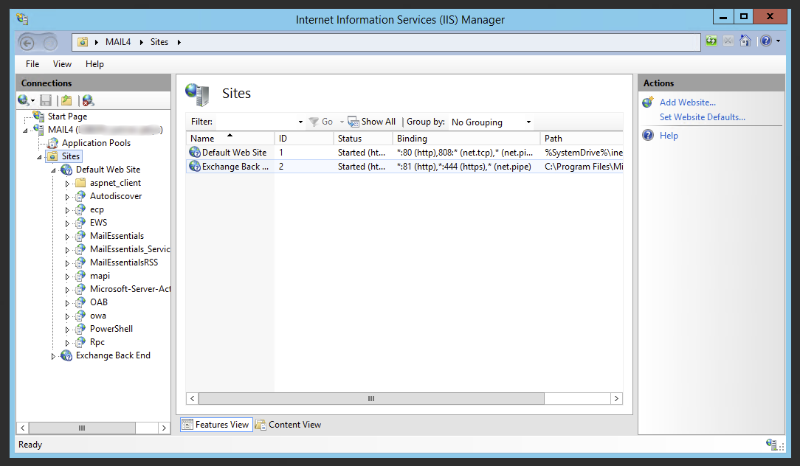
Does GFI Mail Essentials 20.1 support full SPF specification
Sender Policy Framework (SPF) is a simple email-validation system designed to detect email spoofing by providing a mechanism to allow…

Exchange 2013 – Exchange Management Shell (EMS) loading very slow
As you grow more experienced with Exchange (2007 / 2010 / 2013 or 2016) you get to the point where you…

Exchange 2013 – Grant SendOnBehalf permission for Mailbox overwrites Existing permissions
Changing Send On Behalf setting in Exchange 2010 / Exchange 2013 or Exchange 2016 is quite simple task that can be easily…
Exchange 2013 – Health Mailbox has been corrupted
Health checking your Exchange Environment is important task for any administrator. Specially for that there are special Health Mailboxes cr…
Exchange 2013 – How to add Relay Connector from PowerShell
Adding new receiving connector is standard procedure available via GUI on Exchange 2010 / Exchange 2013 or Exchange 2016. However…
Exchange 2013 – TooManyMissingItems or TooManyBadItems
During Microsoft Exchange 2010 to Exchange 2013 Migration one of the steps is to migrated all mailboxes from old servers to new servers. Un…

Exchange 2016 – Microsoft has released RTM version of Exchange
Nearly 3 years after Exchange 2013 was released, new Exchange 2016 is out in the open in Ready To Manufacturing state (RTM). Microsoft Exch…
GFI MailEssentials 20 – How to count licenses for users?
Recently one of our Clients bought 750 licenses for GFI MailEssentials 20. As GFI on their websites claims that only…
GFI MailEssentials – License counting explained
If you follow our Technical Hub you may have seen our earlier entry about counting GFI licenses. At that time…
GFI – How to move GFI MailEssentials 20 to different IIS website
GFI MailEssentials 20 make the installation straight forward pressing Next most of the times and answering basic questions about Microsoft…
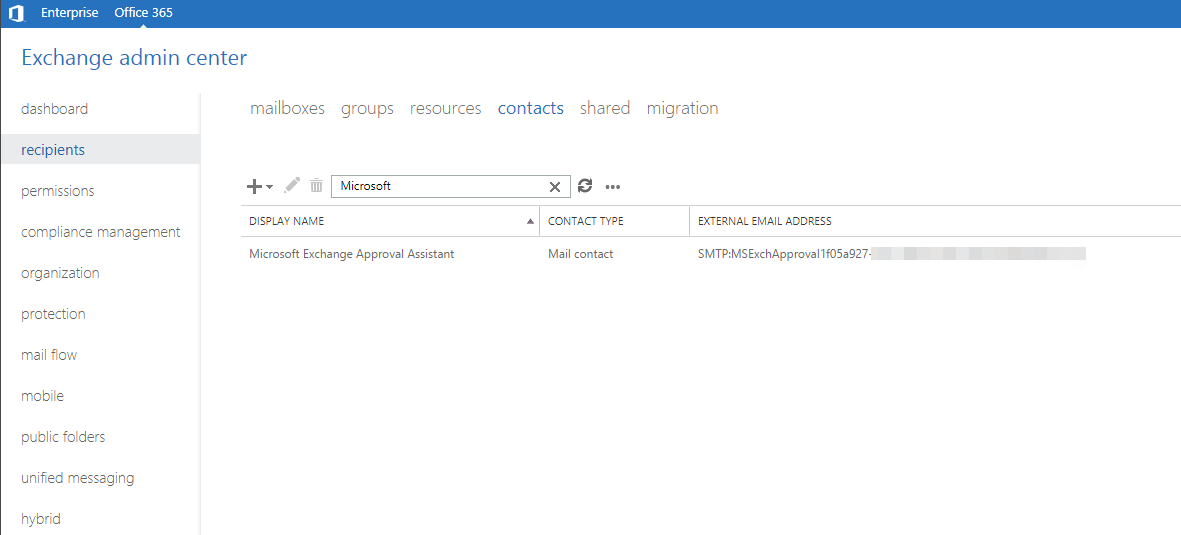
Microsoft Exchange Approval Assistant – Your message couldn’t be delivered because delivery to this address is restricted to authenticated senders
While not being able to accept or deny messages in hybrid scenario was solved in earlier post, now that people could approve…
Microsoft Exchange – Set address book policy based on group membership
You may remember our older post how to set address book policy based on group membership. After using this method above…

Microsoft Exchange – Set Address Book Policy to multiple users based on group membership
One of the common tasks of Exchange Administrator is to add Exchange Address Book Policy to a user. Depending on needs…
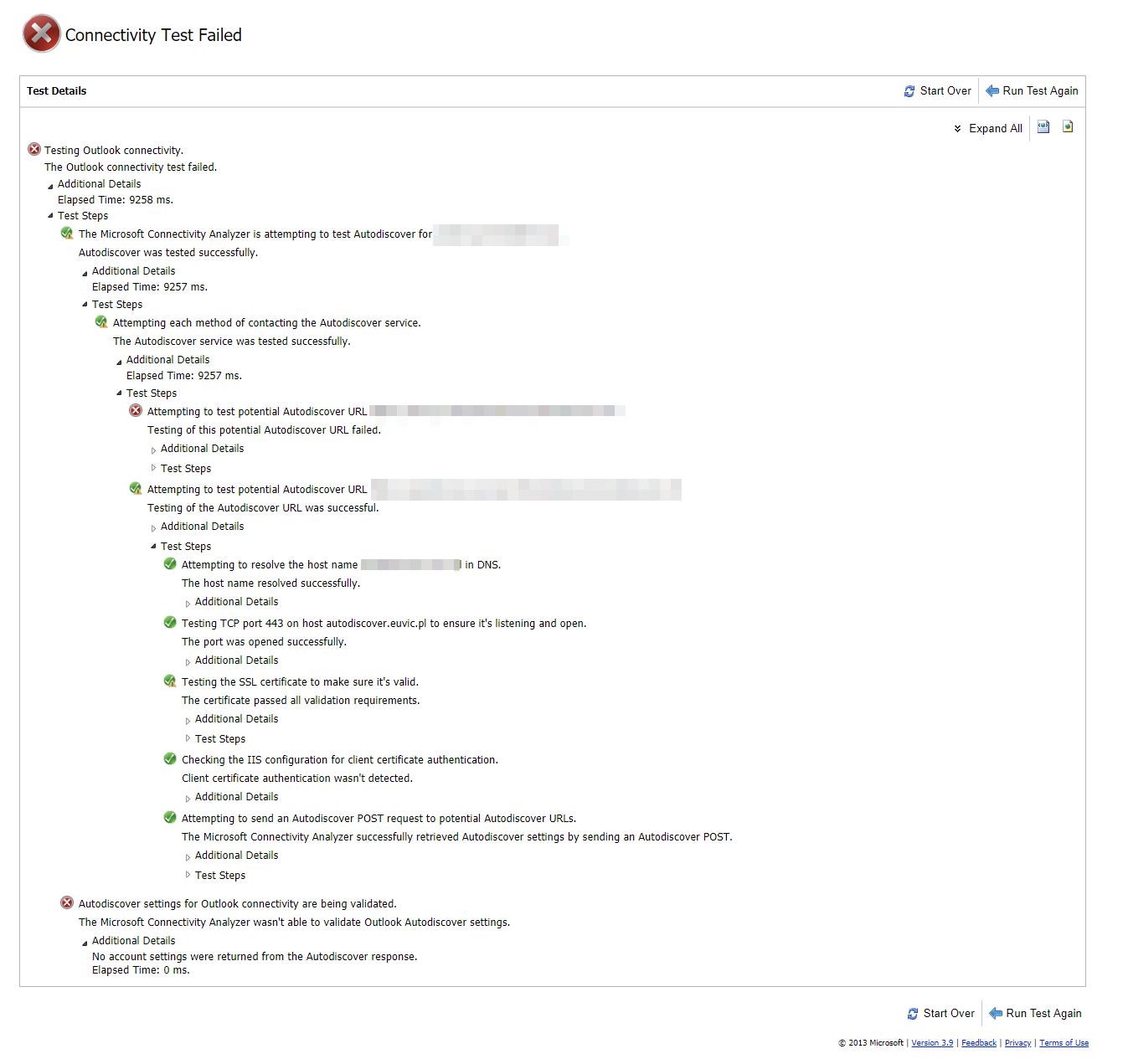
No account settings were returned from the Autodiscover response – Microsoft Exchange 2016
Recently one of our users reported that after name change she can’t login to Outlook anymore. She can only work…

Office 365 – A parameter cannot be found that matches parameter name UserPrincipalName on New-Mailbox
Migrating companies from On-Premise setups of Exchange 2010 or Exchange 2013 to cloud Exchange on Office 365 often requires some…
Office 365 – Adding email addresses based on Email Address Policy
Email Address Policies are bread and butter in Microsoft Exchange world. If you work with On-Premise Exchange 2007, Exchange 2010,…
Office 365 – Migrating mail from Office 365 to Office 365 account using Outlook
Office 365 is great product. We use it ourselves for our own needs but we also suggest it to our…
PowerShell – How to find users without default quota set on Microsoft Exchange
During Exchange 2010 times for one of our Clients some users had special quota set for multiple users that was different…