blog
PowerShellGallery – You are installing modules from an untrusted repository
When you start working with **PowerShell Modules **you often find yourself in having to approve module updates over and over and over.
Install-Module PSWriteWord -AllowPrerelease

While it's great if you don't trust **PowerShellGallery **I tend to trust that gallery because Microsoft runs it and I only install modules I've verified prior to installation.
💡 How can I trust PowerShellGallery?
Get-PSRepository
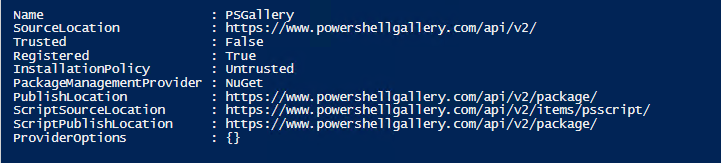
To fix this problem simply use command below to set **InstallationPolicy **to trusted.
Set-PSRepository -Name 'PSGallery' -InstallationPolicy Trusted
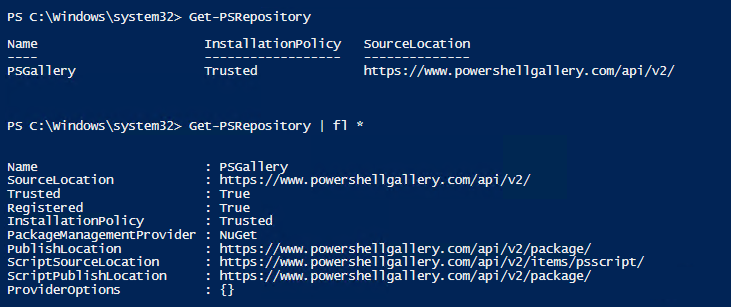
That's all. Simple one line of code and you trust **PowerShellGallery **and can install modules from there without any prompts.