blog
Mac OS X El Capitan – How to disable autoresizing tabs in Safari 9
As you probably remember we have blogged before on how to change Safari behaviour to not auto resize tabs in Safari 8 on**OS X Yosemite. **You might also remember our fix for Safari FavIcons in Safari 8. Both solution worked fine on OS X Yosemite by using EasySIMBL or later on by using older but somewhat more reliable SIMBL app. Unfortunately with introduction of SIP (System Integrity Protection) in OS X El Capitan things get a bit more complicated. Fortunately there's a way to work it out.
💡 Solution
Just as in our last post on how to get missing favicons in Safari on Mac OS X this method requires disabling SIP for the duration of installation only. After installation it's safe to enable it again.
Following procedure requires 5 steps:
- Disabling SIP (System Integrity Protection)
- Installing SIMBL
- Enabling SIP (System Integrity Protection)
- Installing Cosy Tabs plugin for **SIMBL **(it may say Yosemite but works just fine in Mac OS X El Capitan)
- Enjoying Safari with Favicons
Below you can find step by step instruction **how to disable autoresizing in Safari 9 **by using SIMBL-0.9.9 with Cosy Tabs plugin on OS X El Capitan (version 10.11)
- Disable SIP: enter Recovery OS, run
csrutil disableand reboot OS X El Capitan.
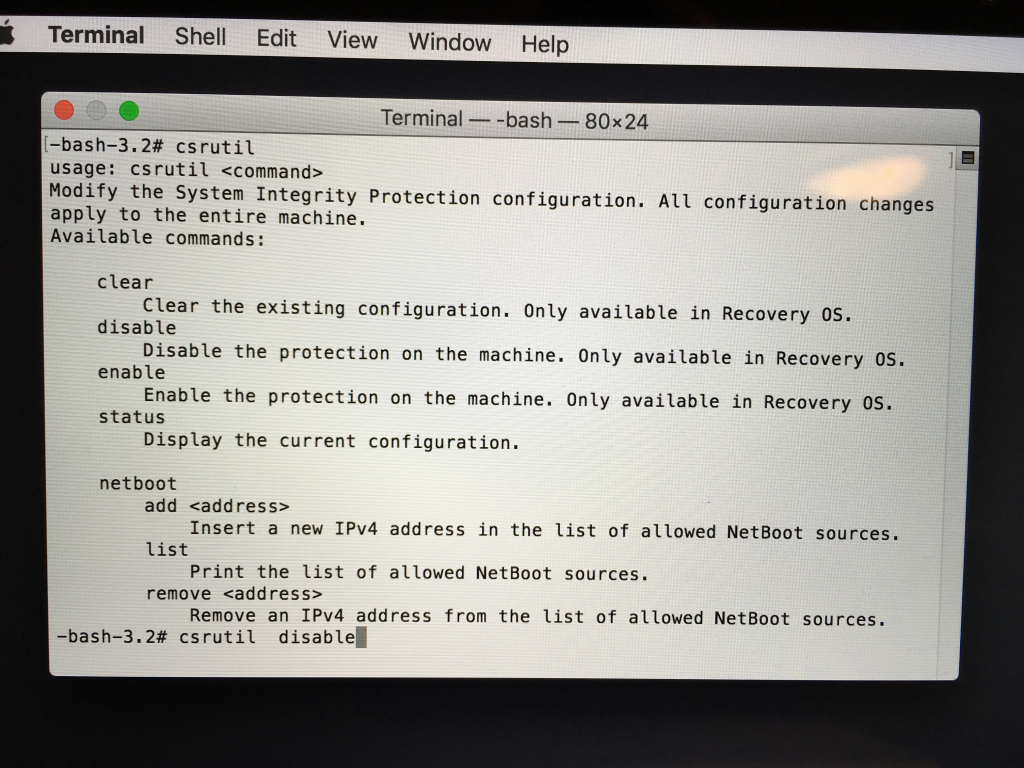
- Download SIMBL, at least version 0.9.9.
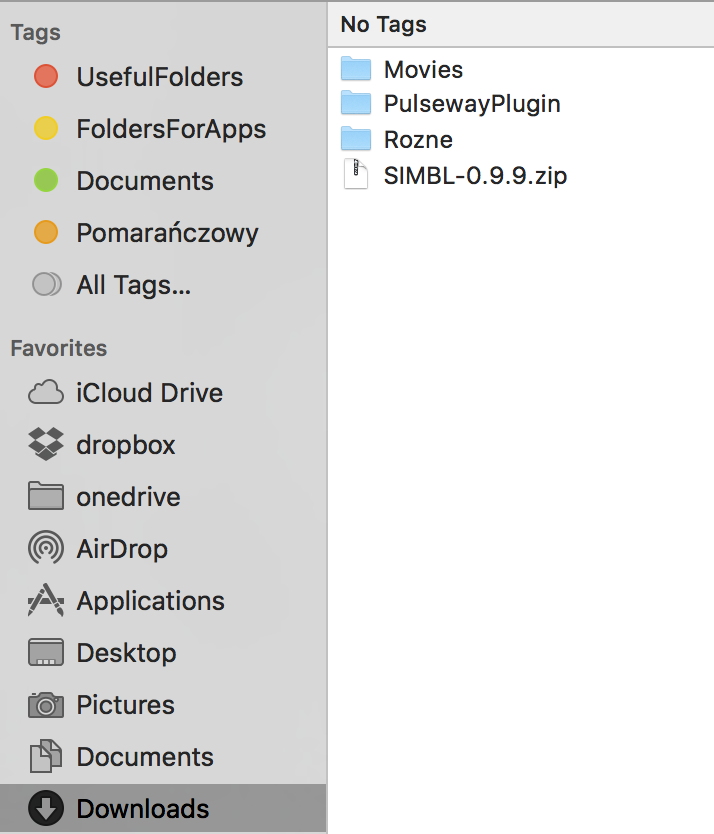
- Open **command prompt **aka Terminal Window
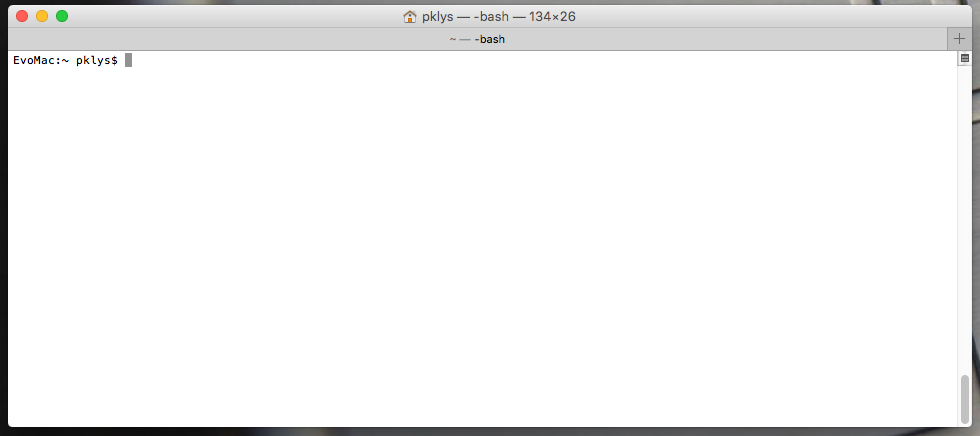
- Run following commands on terminal to install SIMBL-0.9.9 at
/System/Library/ScriptingAdditions/
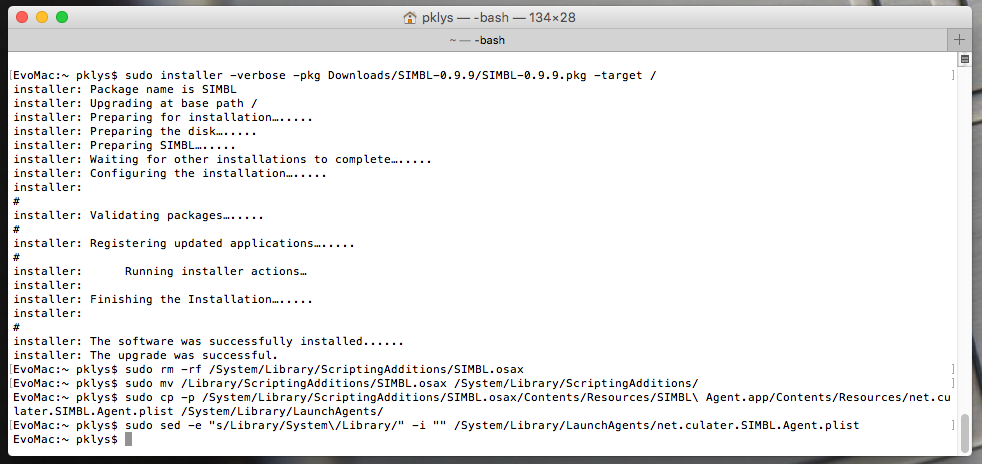
sudo installer -verbose -pkg Downloads/SIMBL-0.9.9/SIMBL-0.9.9.pkg -target /
sudo rm -rf /System/Library/ScriptingAdditions/SIMBL.osax
sudo mv /Library/ScriptingAdditions/SIMBL.osax /System/Library/ScriptingAdditions/
sudo cp -p /System/Library/ScriptingAdditions/SIMBL.osax/Contents/Resources/SIMBL\ Agent.app/Contents/Resources/net.culater.SIMBL.Agent.plist /System/Library/LaunchAgents/
sudo sed -e "s/Library/System\/Library/" -i "" /System/Library/LaunchAgents/net.culater.SIMBL.Agent.plist
- (Optional) Enable SIP again: enter Recovery OS, run
csrutil enableand reboot.
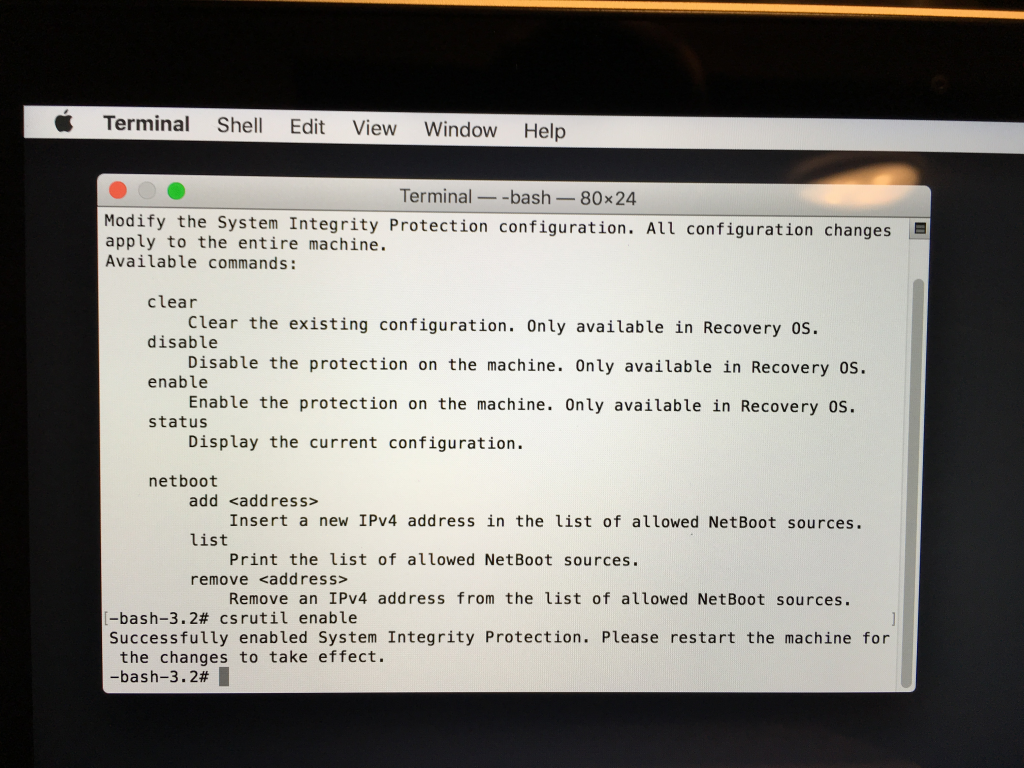
After executing above steps, Plugins placed at /Library/Application Support/SIMBL/Plugins or **/Users//Library/Application Support/SIMBL/Plugins**will be loaded by SIMBL.
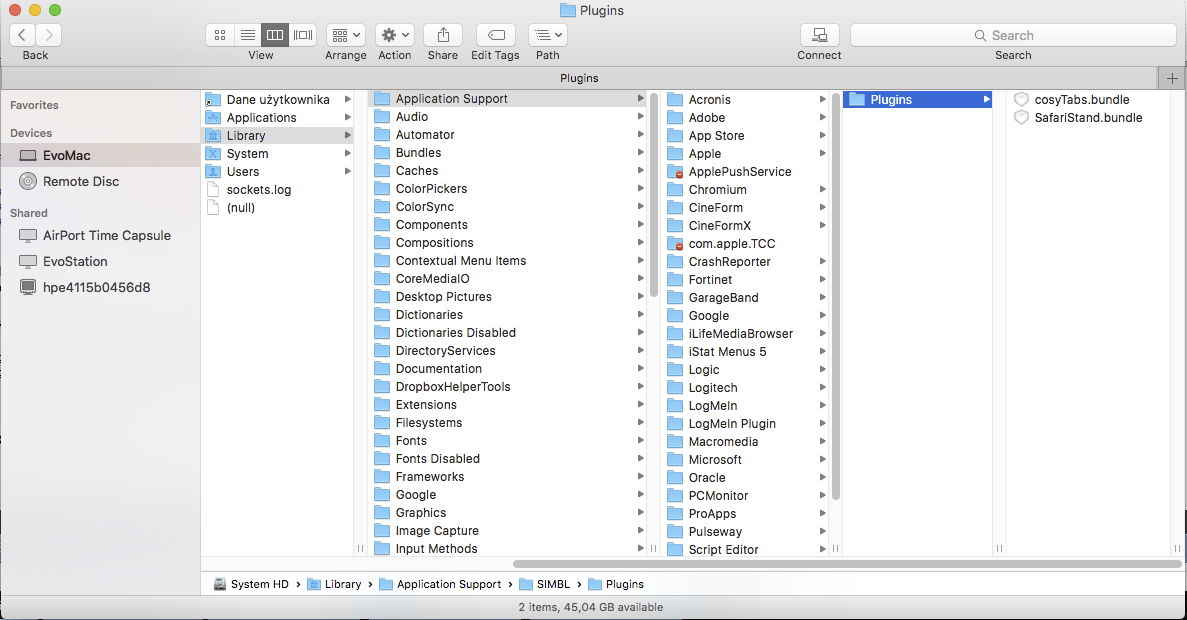
- Download and unpack plugin CosyTabs (currently 1.4.2 released for **Mac OS X Yosemite **but works just as well on Mac OS X El Capitan)
- Copy plugin (it's enough to copy only CosyTabs.bundle file) into /
Library/Application** Support/SIMBL/Plugins**.You can find the path similar to the screenshot above. Just find it in Finder and follow the path. - Restart Safari.
- After restart of Safari autoresizing tabs should be disabled by default.
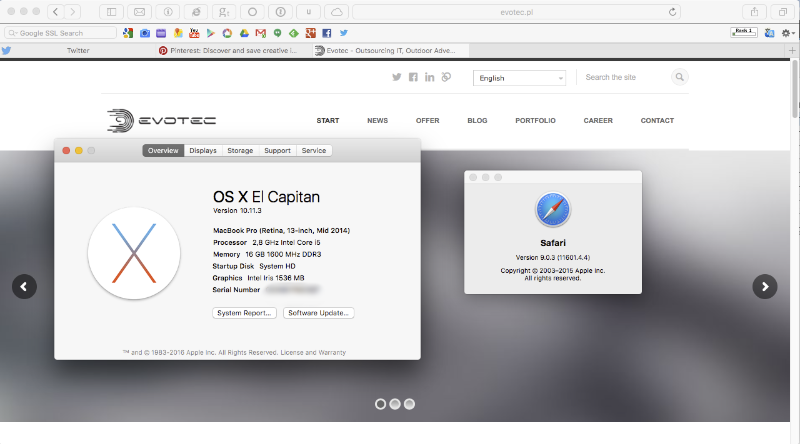
- Enjoy Safari without autoresizing tabs 🙂
📝 Notes
- Original **
SIMBL Agent.app**does not support injecting into process that launched beforeSIMBL Agent.app. VerifySIMBL Agent.appis running before launching Safari. - If plugins does not work, check opened files of target app process using
Activity Monitor.app. If plugin is not listed in opened files recheck the configuration.