categories
Windows
78 entries
18 entries
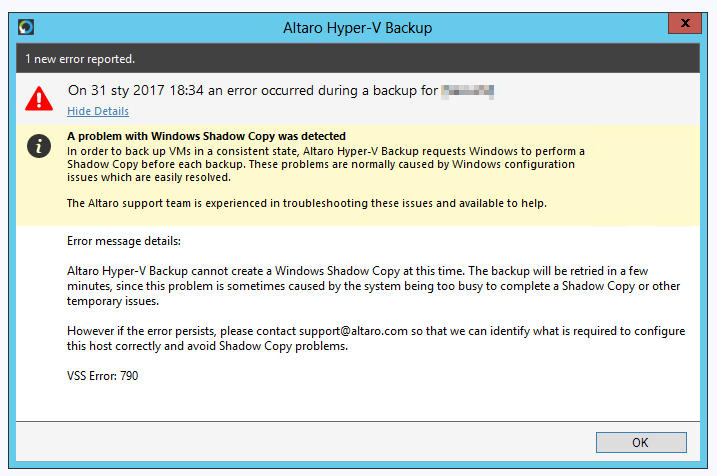
The shadow copy provider had an unexpected error while trying to process the specified command.
Recently we had a case where an offsite backup in Altaro VM Backup was supposed to be written to Western…
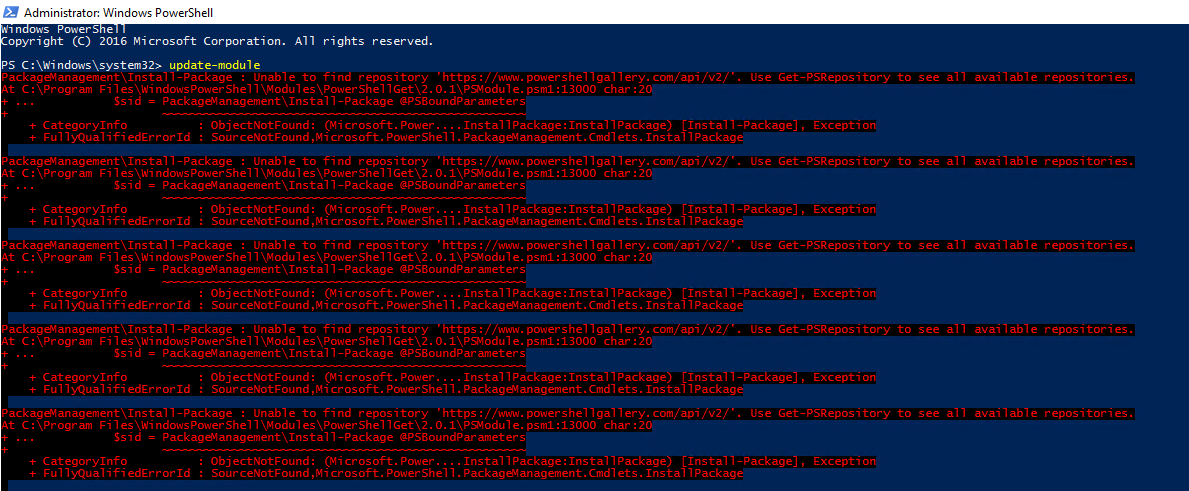
Update-Module – PackageManagement\Install-Package : Unable to find repository
I was installing newest version of my PSWinDocumentation module on Windows 2016 when I noticed I can’t really get anything…
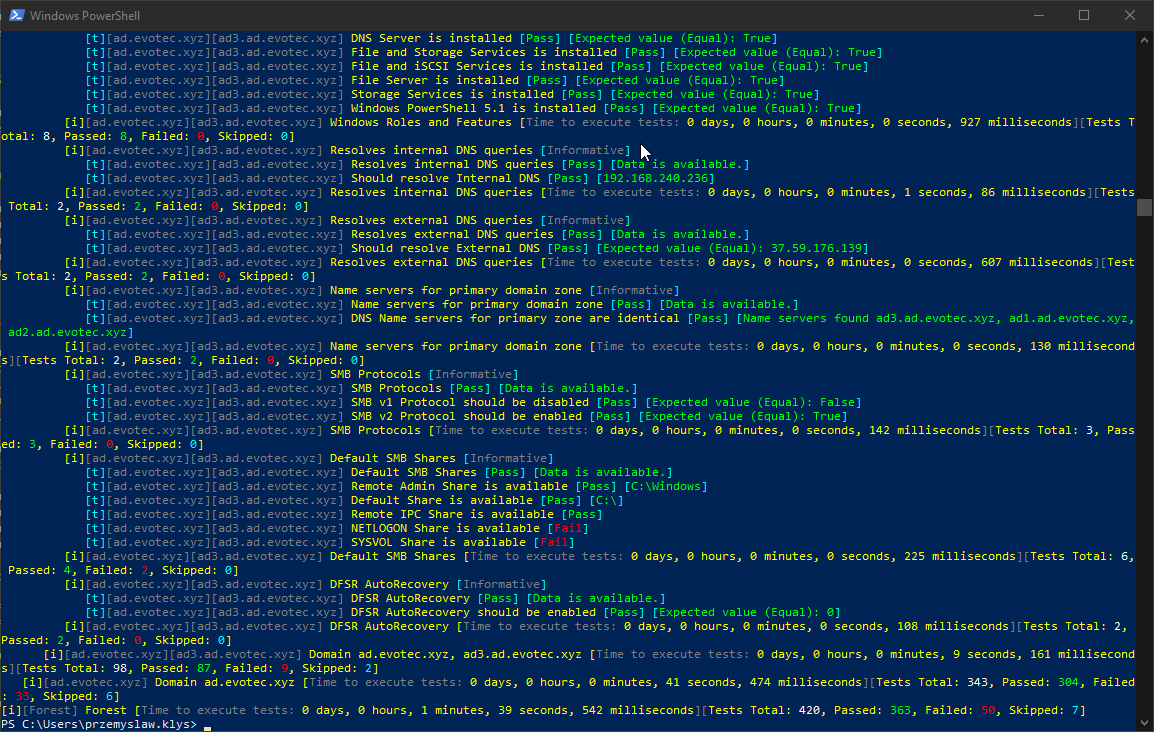
What do we say to health checking Active Directory?
Setting up a new Active Directory is an easy task. You download and install Windows Server, install required roles and in 4 hours or less h…
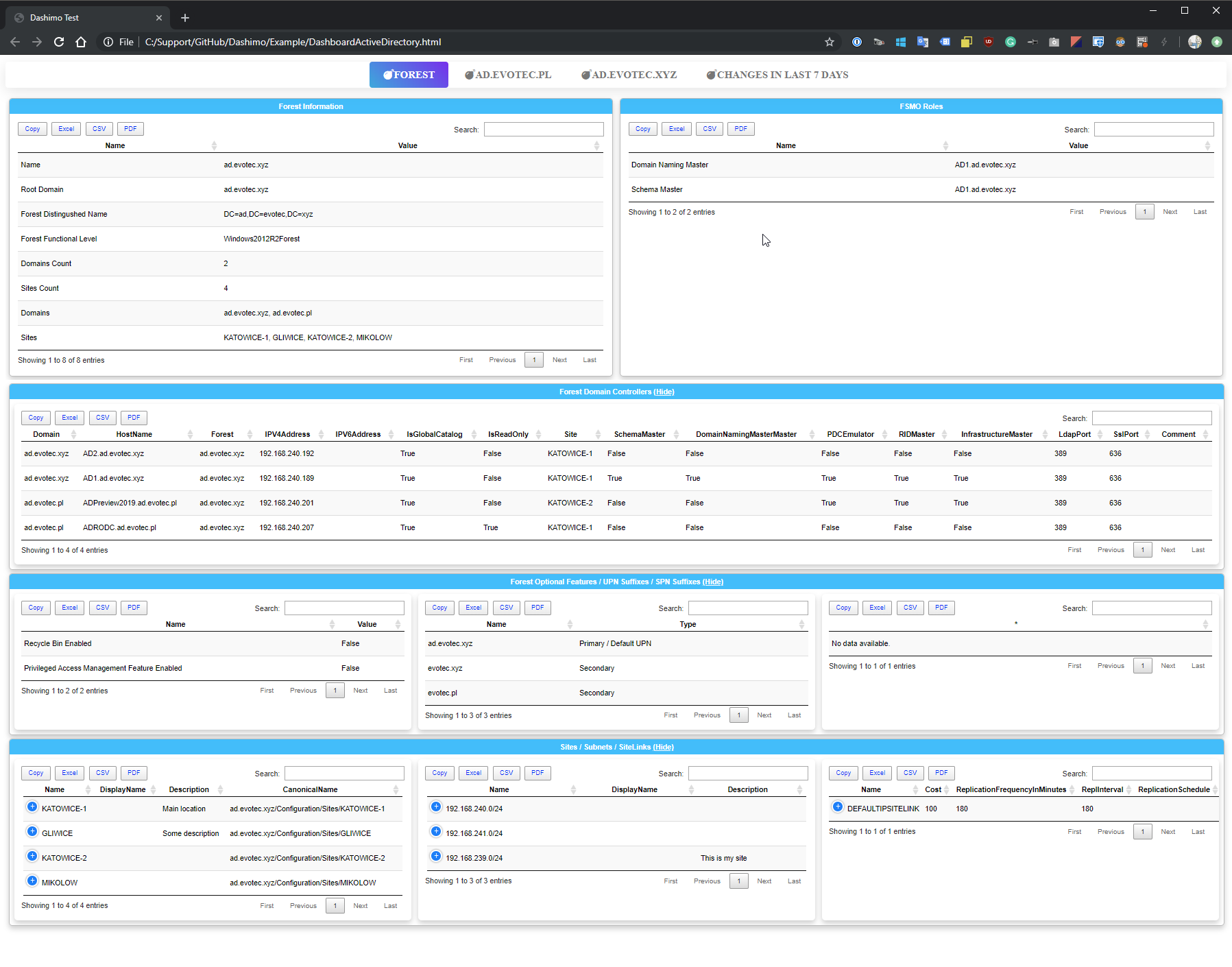
What do we say to writing Active Directory documentation?
It’s no secret that nobody likes creating documentation. I don’t like it, and you don’t like it, even documentation lovers don’t like it. B…
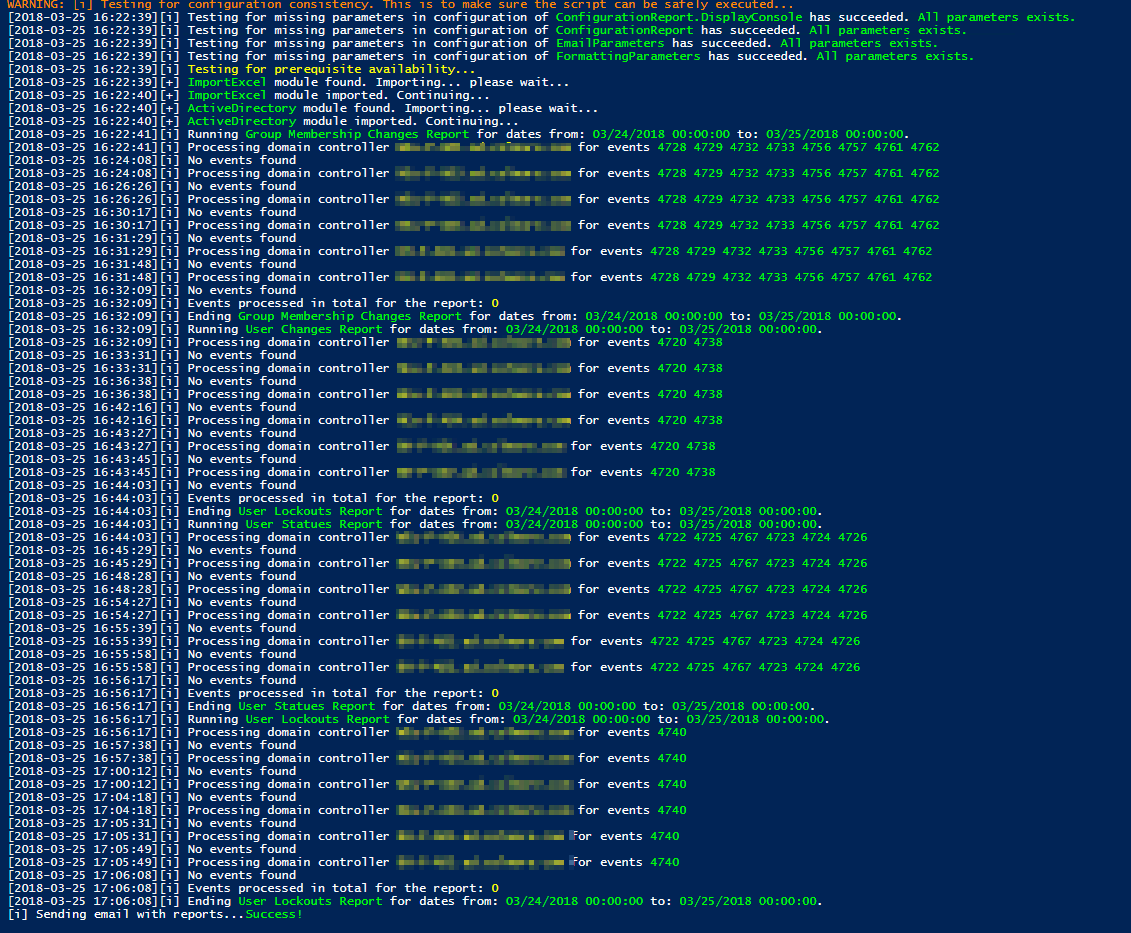
What’s new – Event Monitoring v0.6
After having some feedback and seeing as some features were missing new version of Events Monitoring brings few of noticeable…
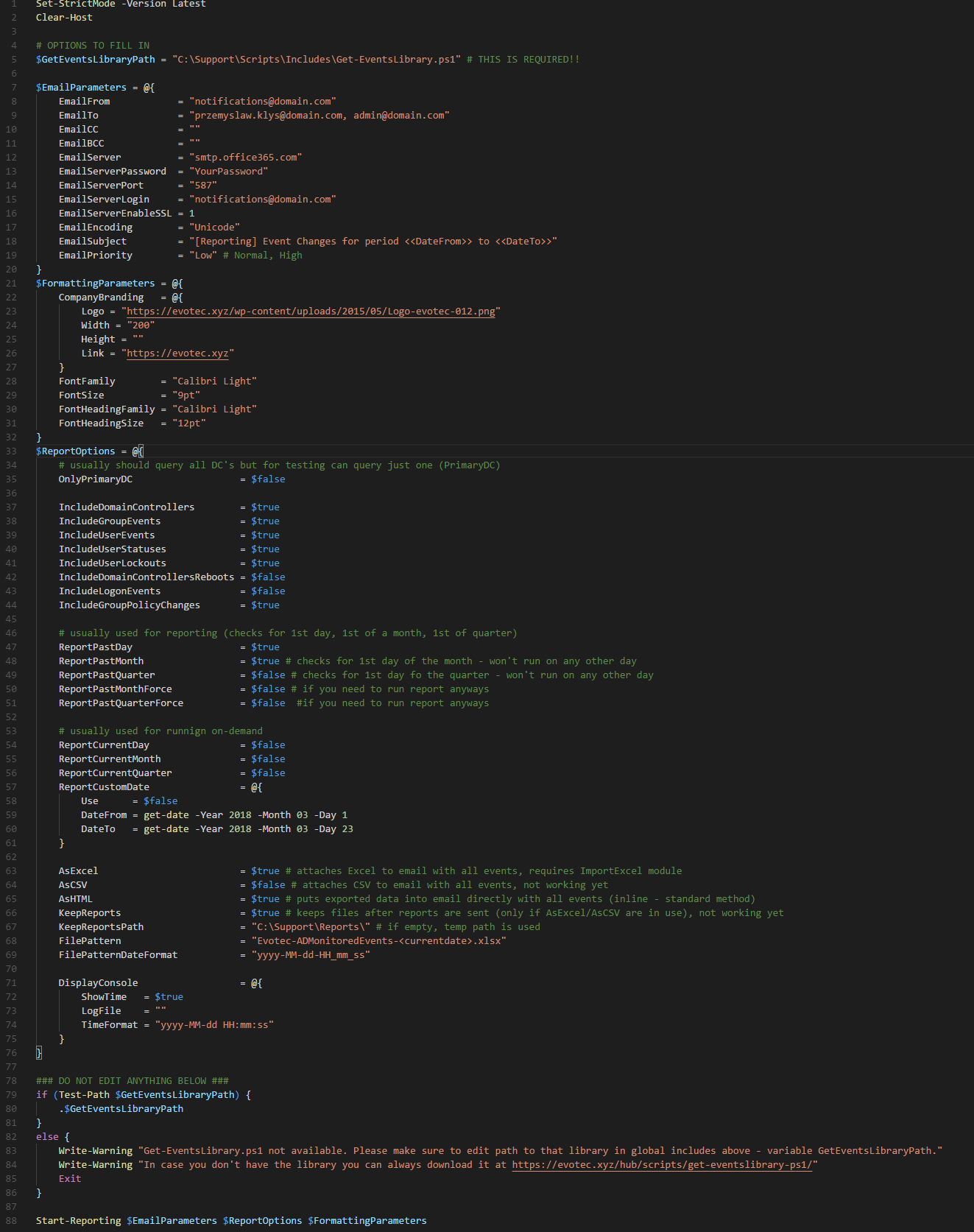
What’s new – Event Monitoring v0.7
I’ve further optimized code and added some more health checks so that the process is a bit smoother. You can…
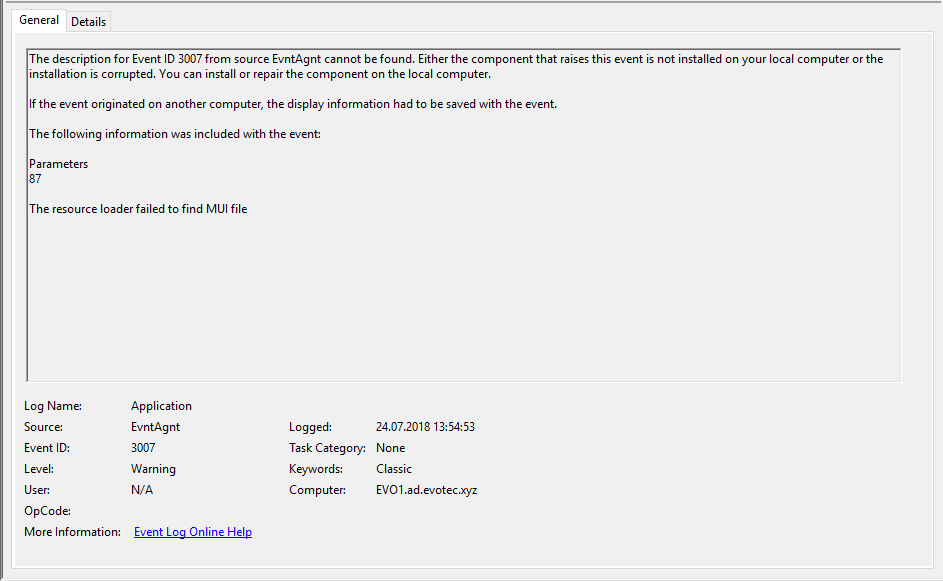
Windows 10 – High CPU Usage with EvntAgnt Warning Event ID 3007 in Event Log
Today I’ve noticed my PC behaving oddly. CPU was high with Windows Event Log taking a lot of my CPU…
Windows 10 – How to permanently disable Windows Defender
Windows 10 was released by Microsoft on July 29th of 2015. Even though several months has already passed, millions of users…
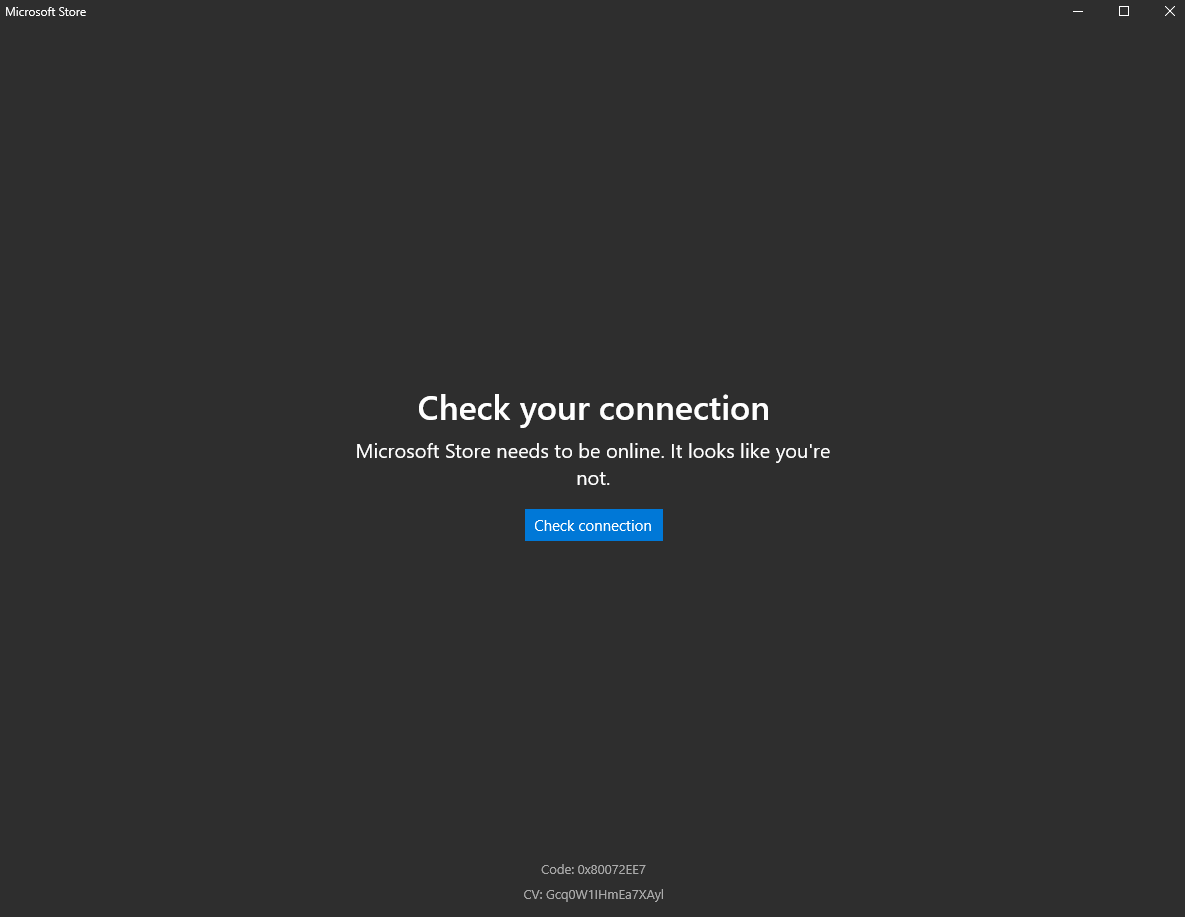
Windows 10 – Microsoft Store, Edge, Windows Updates, Microsoft Outlook not able to connect with error 0x80072EE7, 0x80070005
So I’ve been working on my Windows 10 Insiders for a longer while now. Since like 3-4 months I was…
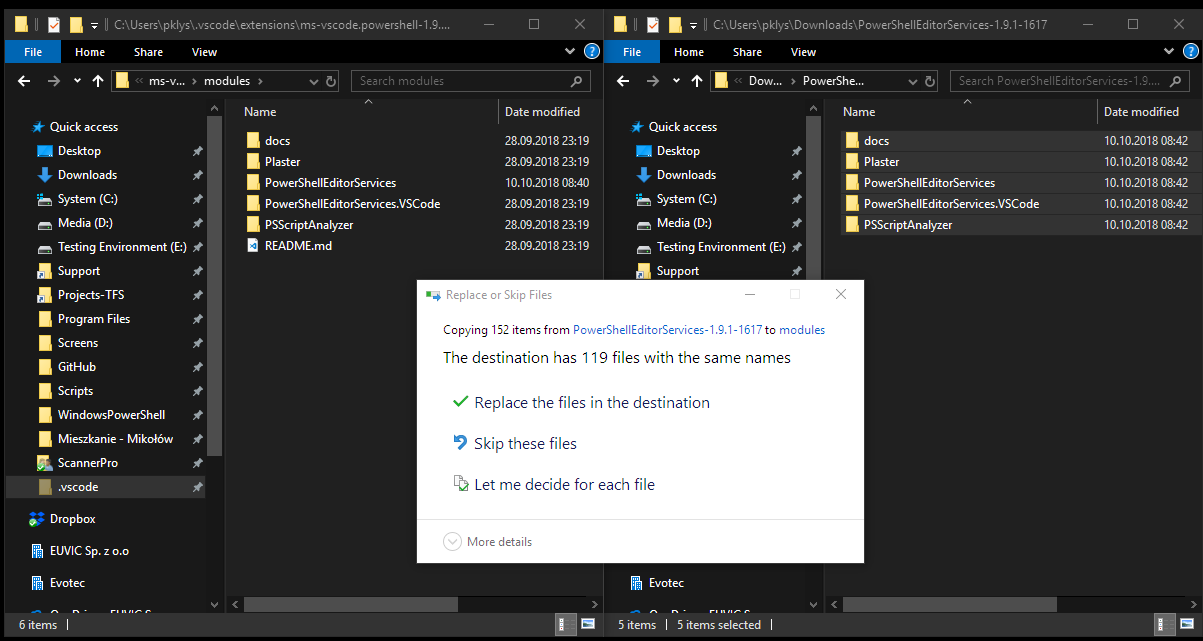
Windows 10 – No prompt to overwrite when pasting from .zip file
I just had a weird situation where I was pasting multiple folders and those folders were already in destination. Normally…
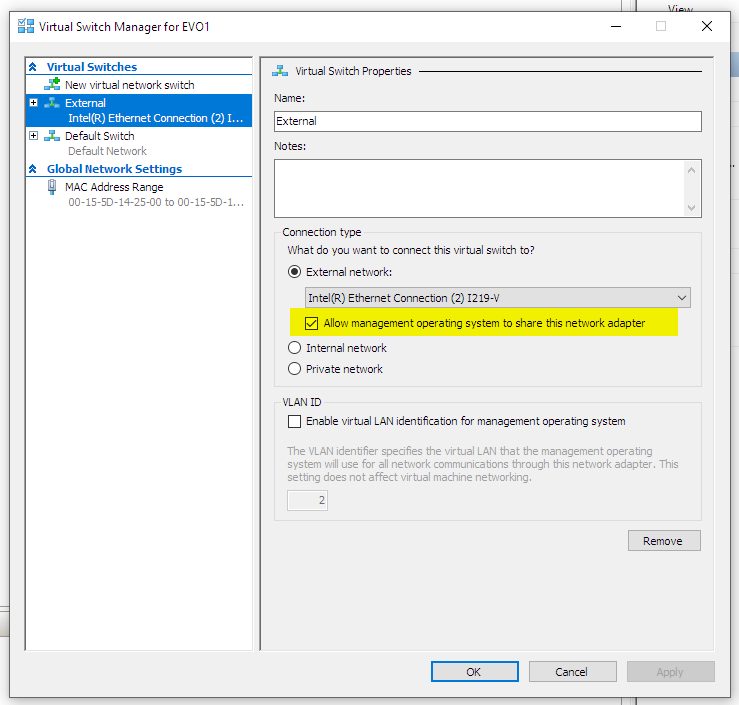
Windows 10 – You’ll need the internet for this 0xCAA7004 or 0xCAA30194 or 0x80072EFD
For the last few weeks, months that I was working on Windows 10 Insiders release I was having problems to…
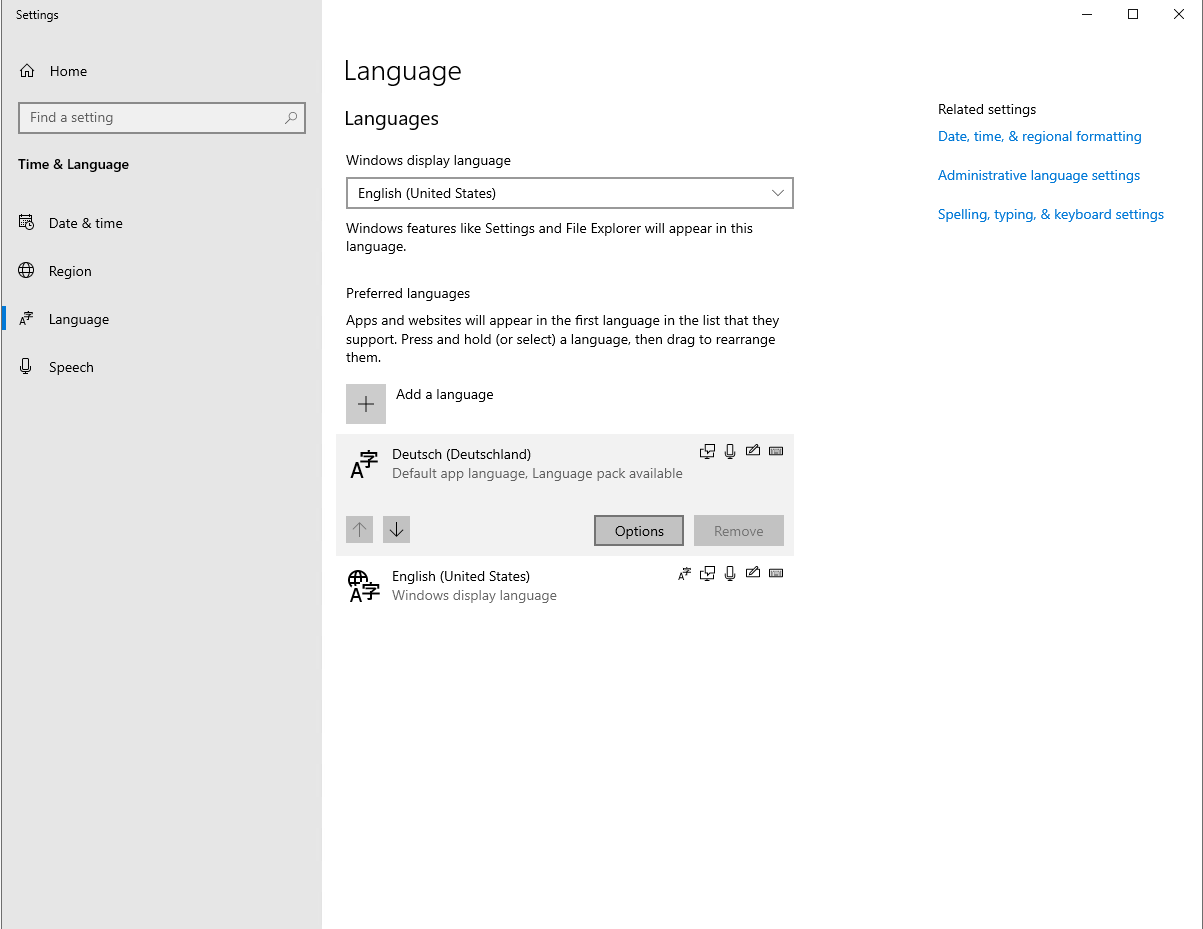
Windows 2019 – How to add language pack?
Today I’ve been setting up a new server on Windows 2019. By default, I install Windows with English version even if Client works in their l…
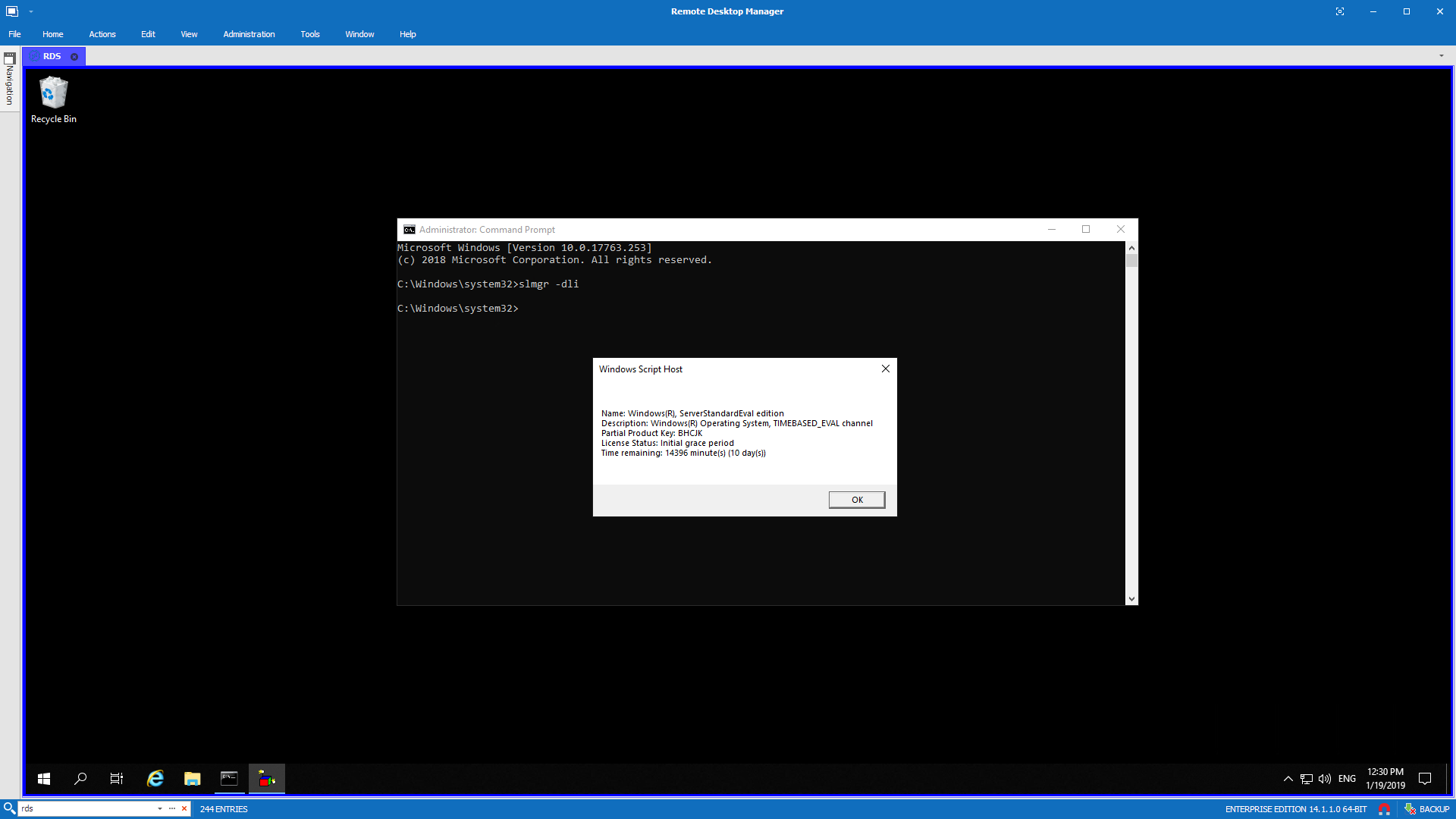
Windows 2019 – Windows License Expired
Windows Server 2019 is out now for a couple of months now, and some of you may be interested in playing with it. When you first install it,…
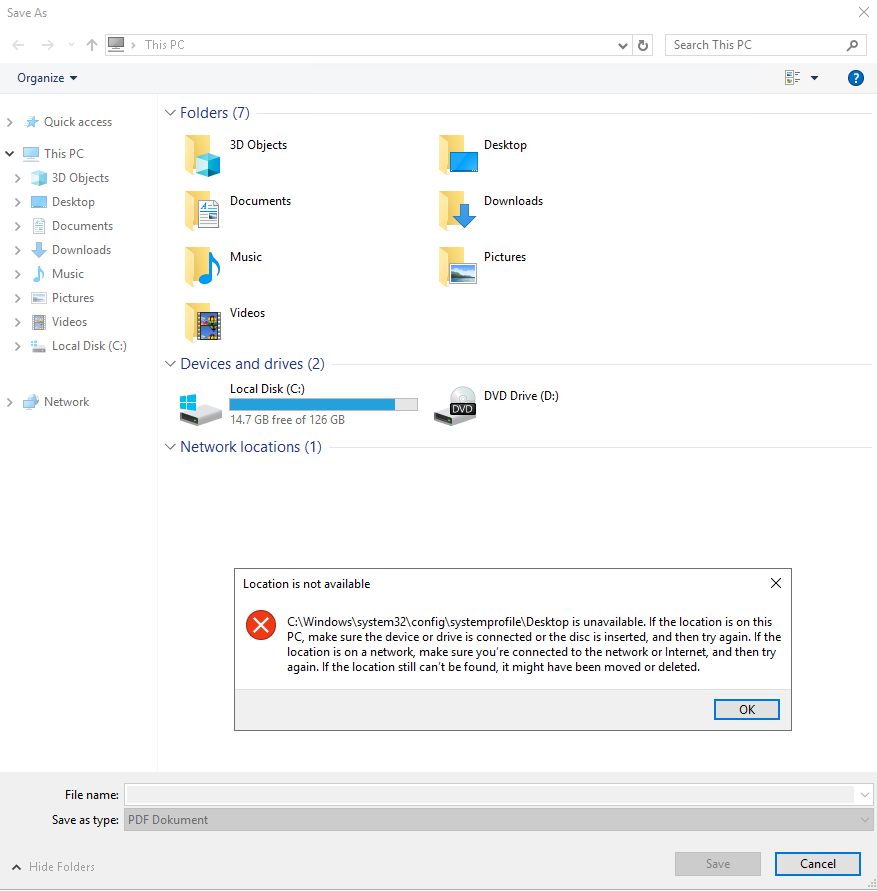
Windows Server 2019 – Desktop path for all users redirected to System32 \ SystemProfile \ Desktop
I’ve got a strange request a few days ago regarding users getting a prompt about their Desktop location pointing to…
Windows Server – How to change SHA1 to SHA256, SHA384 or SHA512 options in Certification Authority
Since SHA1 became insecure and everyone around the web is forcing the change to higher security standards such as SHA256,…
Windows Server – SNMP Service Tabs missing
Setting up SNMP Monitoring on Windows Servers is usually done by opening Services MMC console and filling up Agent, Traps, Security…

Windows – Killing remotely hanging RDP session
You can’t log in to RDP session on Windows 2003/Windows 2003 R2 server because you get a message that all…
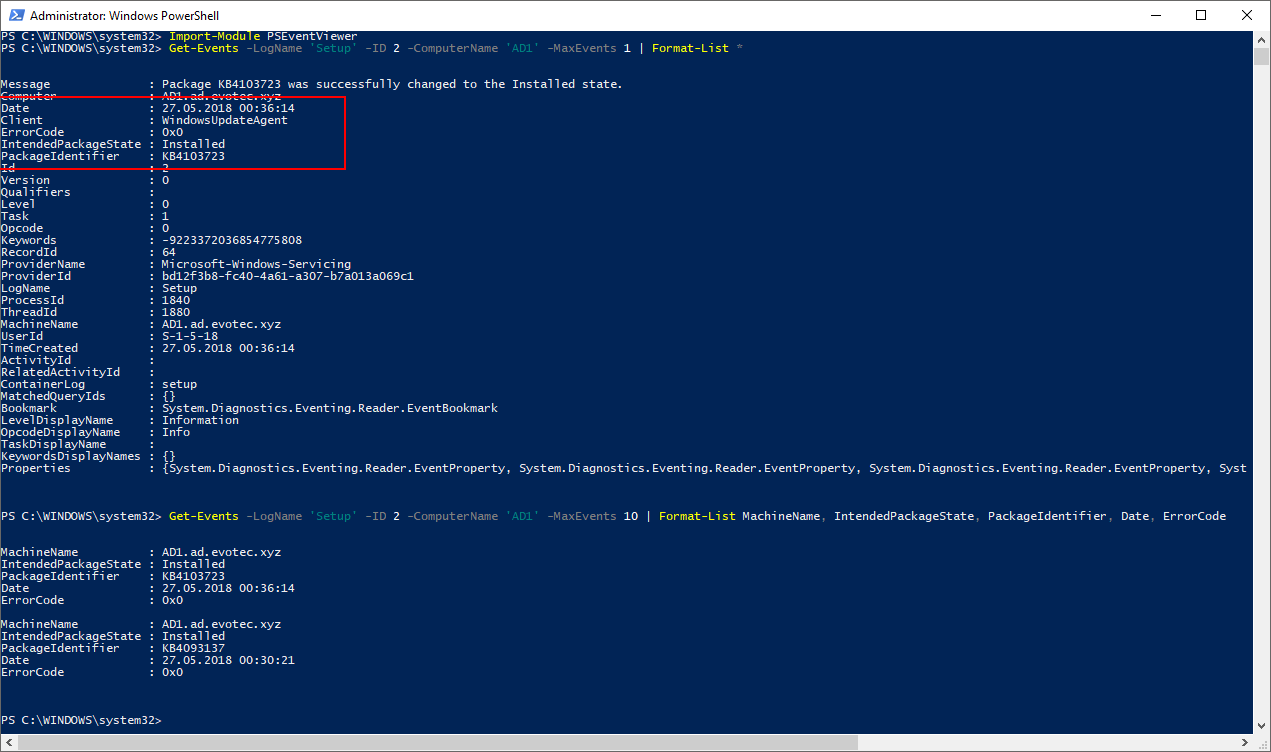
Working with Windows Events with PowerShell
As you may (and should) know Event Log is your first place to look for explanations on why server/client is…